HTML5 vs HTML4: Key Differences, Features, and Why HTML5 Matters in 2025
Introduction
HTML, or HyperText Markup Language, is the backbone of every website. Over the years, it has evolved to meet the growing needs of web developers and modern web applications. The two most significant versions that shaped the web are HTML4 and HTML5. Understanding the difference between HTML4 and HTML5 is essential for developers who want to build efficient, responsive, and interactive websites in 2025.
HTML5 was introduced to solve many limitations of HTML4. While HTML4 laid the foundation of structured web content, HTML5 enhanced it with powerful APIs, multimedia support, and better semantics. In this article, we’ll explore the key differences, features, and reasons why HTML5 has become the industry standard for web development.
What is HTML4?
HTML4 was released in 1997 and quickly became the standard for web page structure and presentation. It introduced concepts like CSS integration and JavaScript scripting to improve user experience. However, HTML4 heavily relied on external plugins like Flash or Silverlight for multimedia support, which made web development more complex and less efficient.
Key Features of HTML4:
- Focuses mainly on structure and presentation.
- Requires third-party plugins for multimedia content.
- Limited support for mobile or responsive design.
- Used non-semantic tags like
<div>and<span>excessively. - Relies on HTML attributes for styling and layout.
While HTML4 was revolutionary in the late 90s, it struggled to keep up with the modern web’s demands for interactivity, mobile optimization, and real-time communication.
What is HTML5?
HTML5 was officially published by the W3C in 2014, marking a major milestone in web technology. It was designed to handle multimedia content natively, improve semantic structure, and support the development of cross-platform applications. HTML5 is more than just a markup language—it’s a complete ecosystem for building modern, dynamic, and device-friendly websites.
Key Features of HTML5:
- Built-in support for audio and video using
<audio>and<video>tags. - Enhanced semantic elements like
<header>,<article>, and<footer>. - Offline storage and caching using
localStorageandsessionStorage. - Improved form controls with new input types (like
email,date,range). - Native APIs like Canvas, WebSocket, and Geolocation.
- Better cross-platform and mobile responsiveness.
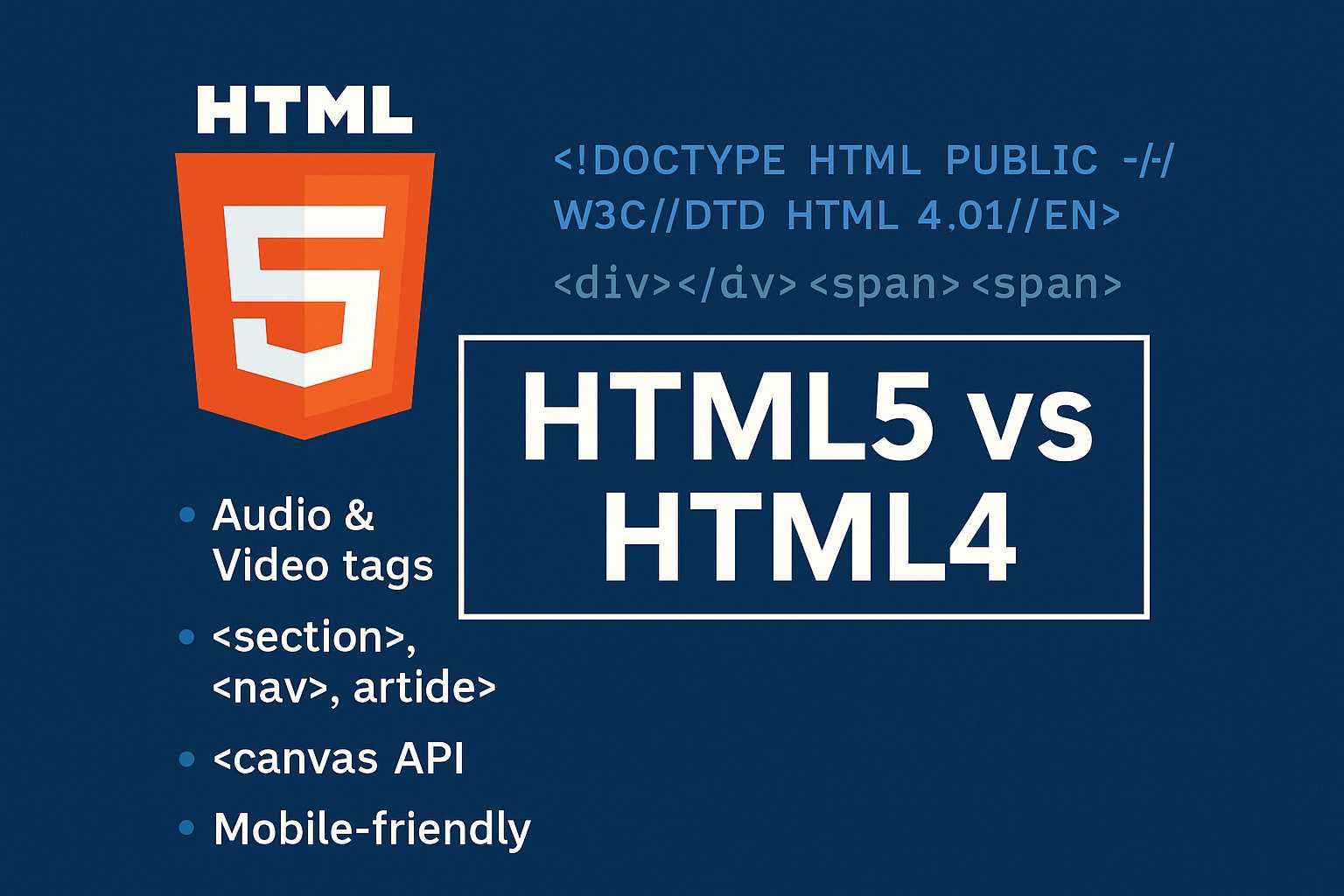
HTML5 vs HTML4: Core Differences
Let’s break down the main differences between HTML5 and HTML4 in a simple comparison table:
| Aspect | HTML4 | HTML5 |
|---|---|---|
| Release Year | 1997 | 2014 |
| Doctype Declaration | <!DOCTYPE HTML PUBLIC "-//W3C//DTD HTML 4.01//EN"> |
<!DOCTYPE html> |
| Multimedia Support | Requires Flash or plugins | Native <audio> and <video> tags |
| APIs | Not supported | Supports Canvas, Web Storage, WebSocket, etc. |
| Semantic Elements | Limited | Introduced <section>, <nav>, <article> |
| Mobile Optimization | No native support | Designed for responsive web apps |
| Forms | Basic input types | New input types: email, date, number, etc. |
Why HTML5 Replaced HTML4
Developers and organizations worldwide migrated from HTML4 to HTML5 because of its simplicity, flexibility, and native capabilities. With HTML5, web developers can achieve things that once required complex JavaScript libraries or third-party plugins.
Key Reasons for the Transition:
- Better Multimedia Integration: HTML5 natively supports media playback without additional plugins.
- Improved Semantics: Search engines can better understand page content, improving SEO.
- Cross-Device Compatibility: HTML5 websites adapt easily to phones, tablets, and desktops.
- Faster Performance: Less dependency on plugins improves loading speed.
- Enhanced Developer Experience: Clean syntax, easy debugging, and standardized structure.
These benefits have made HTML5 the core of modern web frameworks like React, Vue, and Laravel-based frontends. For example, if you are building a Livewire 3 application, HTML5 offers the structure and APIs you need for reactive interfaces.
HTML5 Semantic Elements Explained
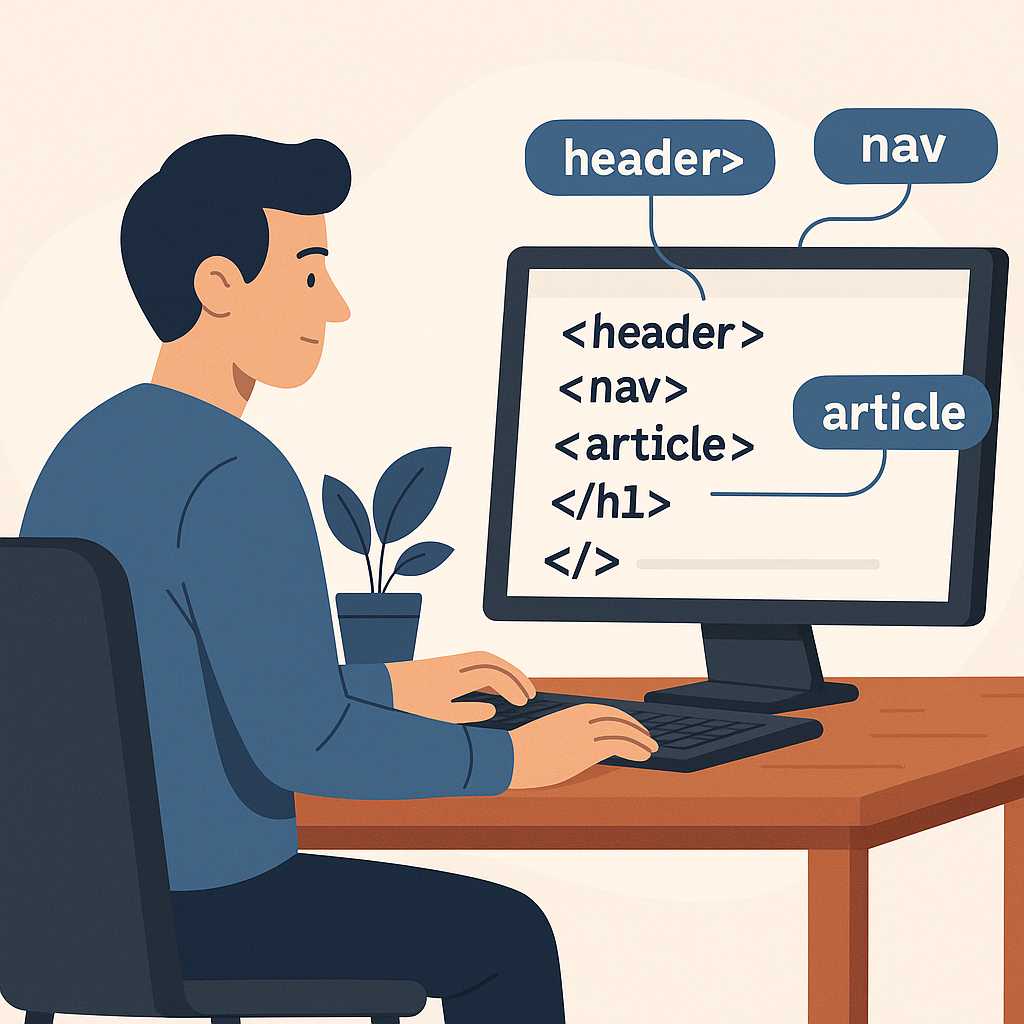
One of the biggest improvements HTML5 brought was the introduction of semantic elements. These elements provide meaning to your content, making it easier for both developers and search engines to understand the layout and structure.
Examples of Semantic Elements:
<header>Website Header</header>
<nav>Navigation Menu</nav>
<section>Main Section</section>
<article>Blog Post</article>
<footer>Footer Content</footer>
Compared to generic <div> tags used in HTML4, these elements help improve SEO and accessibility. They make your HTML code more readable and meaningful, which is particularly useful when optimizing pages for search engines or screen readers.
HTML5 also supports scalable graphics and animations using the <canvas> element, which allows developers to draw shapes, animations, and even real-time data visualizations directly within the browser—no Flash required.
Example: Simple HTML5 Structure
<!DOCTYPE html>
<html lang="en">
  <head>
    <meta charset="UTF-8">
    <title>HTML5 Example</title>
  </head>
  <body>
    <header><h1>Welcome to KnowAdvance</h1></header>
    <section>
      <article>
        <h2>HTML5 vs HTML4</h2>
        <p>HTML5 brings modern features for multimedia and app integration.</p>
      </article>
    </section>
    <footer><p>© 2025 KnowAdvance.com</p></footer>
  </body>
</html>
This clean and semantic approach replaces the cluttered, nested <div> structure of HTML4, helping both performance and readability.
HTML5 APIs and New Capabilities
One of the strongest aspects of HTML5 is its rich set of built-in APIs that empower developers to create dynamic, interactive, and application-like experiences directly in the browser. These APIs replace the need for many external libraries or plugins that were once essential in HTML4 development.
1. Canvas API
The Canvas API allows developers to draw graphics, charts, animations, or even build games directly in the browser using JavaScript. For instance:
<canvas id="myCanvas" width="400" height="200"></canvas>
<script>
const c = document.getElementById("myCanvas");
const ctx = c.getContext("2d");
ctx.fillStyle = "blue";
ctx.fillRect(10, 10, 150, 100);
</script>
This was not possible in HTML4 without relying on Flash or Java applets.
2. Web Storage API
HTML5 introduced two powerful storage options — localStorage and sessionStorage — enabling developers to store data on the client-side securely. This replaces cookies for most small-scale storage needs.
// Store data locally
localStorage.setItem("theme", "dark");

// Retrieve data
let theme = localStorage.getItem("theme");
This feature enhances both performance and user experience by reducing unnecessary server requests.
3. Geolocation API
The Geolocation API lets websites access a user’s geographical location (with permission). It’s widely used in location-based services and mobile web apps.
navigator.geolocation.getCurrentPosition(function(position) {
  console.log("Latitude:", position.coords.latitude);
  console.log("Longitude:", position.coords.longitude);
});
HTML4 had no built-in method to handle such functionality.
4. WebSocket API
The WebSocket API provides real-time, bi-directional communication between the browser and server — a game-changer for live applications like chats, notifications, and dashboards. This aligns with modern backend frameworks like Laravel vs Node.js comparisons where real-time communication is critical.
5. Offline and Cache Manifest
With HTML5, developers can build apps that work even when offline using the Application Cache or modern Service Workers. This allows better performance, reduced bandwidth, and enhanced reliability.
Improved Forms in HTML5
HTML5 greatly improved form elements, making it easier to collect and validate user data without depending on JavaScript for every small task. Here are some new and useful input types introduced in HTML5:
<input type="email"><input type="date"><input type="range"><input type="color"><input type="number">
These not only simplify development but also improve user experience by triggering the right keyboard or UI component on mobile devices.
Migration from HTML4 to HTML5
If you are maintaining an older HTML4-based website, migrating to HTML5 is not as complicated as it sounds. The main goal is to modernize your markup, remove outdated attributes, and take advantage of semantic and multimedia features.
Steps to Migrate:
- Change your doctype to the new simplified version:
<!DOCTYPE html>. - Replace deprecated tags like
<font>and<center>with CSS styling. - Use semantic elements such as
<header>,<nav>, and<article>. - Implement HTML5 forms and multimedia tags for better performance.
- Use modern validation attributes like
required,pattern, andplaceholder.
During migration, also ensure your CSS and JavaScript are updated to match the new HTML5 structure. If you’re working on frameworks like Laravel or integrating Pest PHP for testing, HTML5 provides a much cleaner and maintainable base.
HTML5 Browser Compatibility
HTML5 is supported by all modern browsers, including Chrome, Firefox, Safari, Edge, and Opera. Even mobile browsers like Chrome for Android and Safari for iOS are fully compatible with HTML5 standards.
However, developers targeting legacy browsers (like Internet Explorer 9 or below) should include HTML5shiv scripts to enable recognition of HTML5 elements. In 2025, this is rarely needed, as HTML5 is now the universal web standard.
Benefits of HTML5 for Modern Web Development
- Performance: Faster rendering with reduced plugin dependency.
- SEO: Semantic markup helps search engines understand page context.
- Accessibility: Screen readers and assistive devices better interpret HTML5 structure.
- Cross-platform: Consistent experience across desktop, tablet, and mobile.
- Future-proof: Continuous updates and backward compatibility.
Frameworks like modern web development trends heavily rely on HTML5 to deliver progressive web apps (PWAs) and responsive designs that HTML4 could never achieve.
Further Reading
- Top 10 Web Development Trends 2025
- Laravel vs Node.js: Which is Better in 2025?
- Livewire 3 Essential Guide
- Pest PHP Developer Guide
FAQs
1. What is the main difference between HTML4 and HTML5?
HTML5 includes multimedia support, semantic elements, and built-in APIs, while HTML4 relied heavily on plugins and had limited structure and mobile support.
2. Can I still use HTML4 in 2025?
Technically yes, but it’s outdated. HTML5 offers better performance, SEO benefits, and cross-device compatibility, making it the preferred choice for all modern projects.
3. Does HTML5 work on all browsers?
Yes, all major browsers fully support HTML5. Even older browsers can handle it with simple polyfills like HTML5shiv for backward compatibility.
4. Is HTML5 faster than HTML4?
Yes, because HTML5 reduces dependency on plugins and offers cleaner markup, leading to faster load times and improved user experience.
5. How can HTML5 improve SEO?
Semantic tags such as <header>, <article>, and <footer> help search engines understand your content structure, improving crawl efficiency and ranking potential.
Conclusion
HTML5 has completely transformed how developers build and structure web pages. It offers a cleaner syntax, powerful APIs, and built-in multimedia capabilities, eliminating the need for external plugins. The move from HTML4 to HTML5 isn’t just about updating syntax—it’s about adopting a modern, standardized approach to web development that’s faster, more secure, and mobile-friendly. As web technologies continue to evolve, HTML5 will remain the foundation for everything from basic websites to advanced web applications.