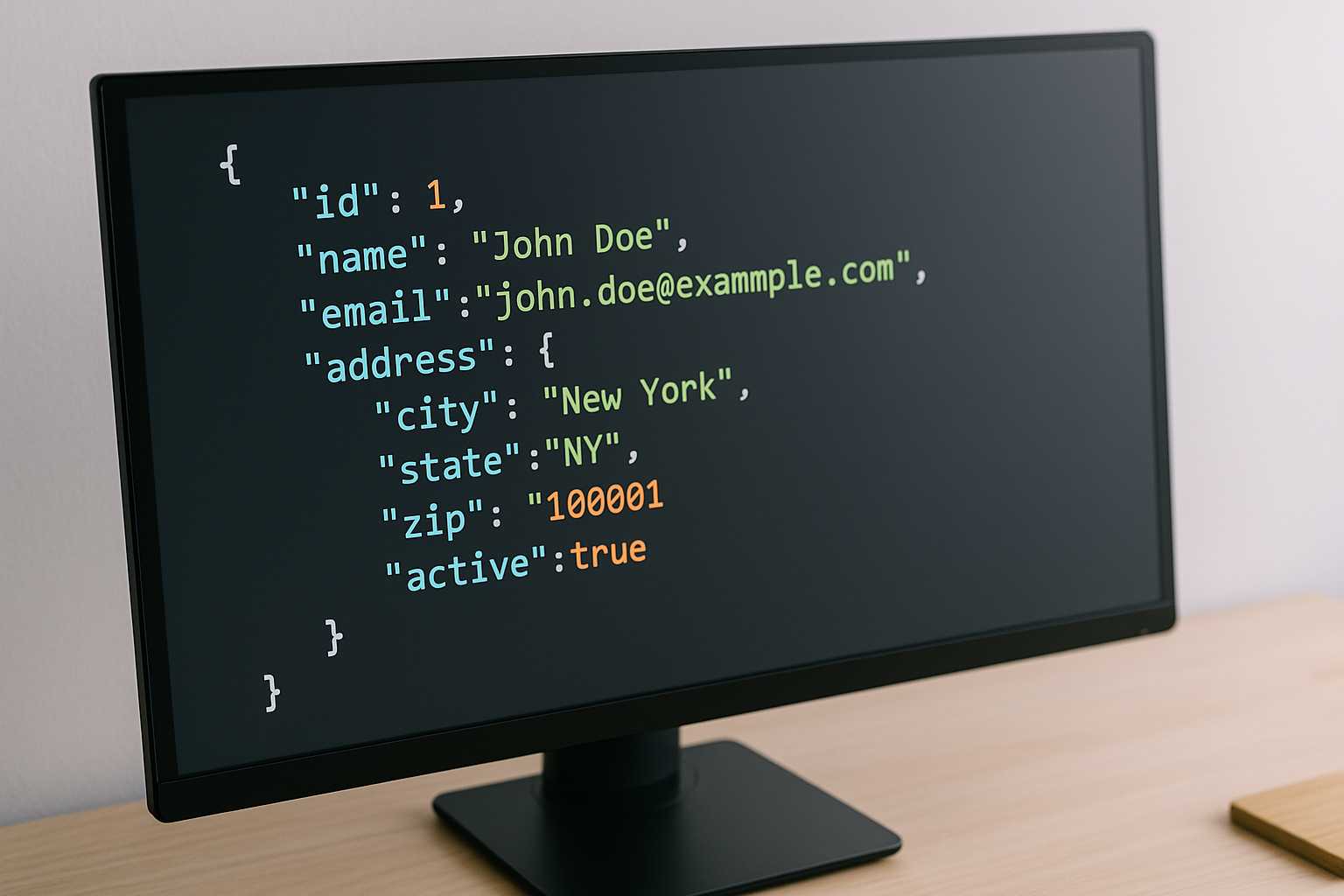
Common JSON Formatting Mistakes Seen in Real Projects
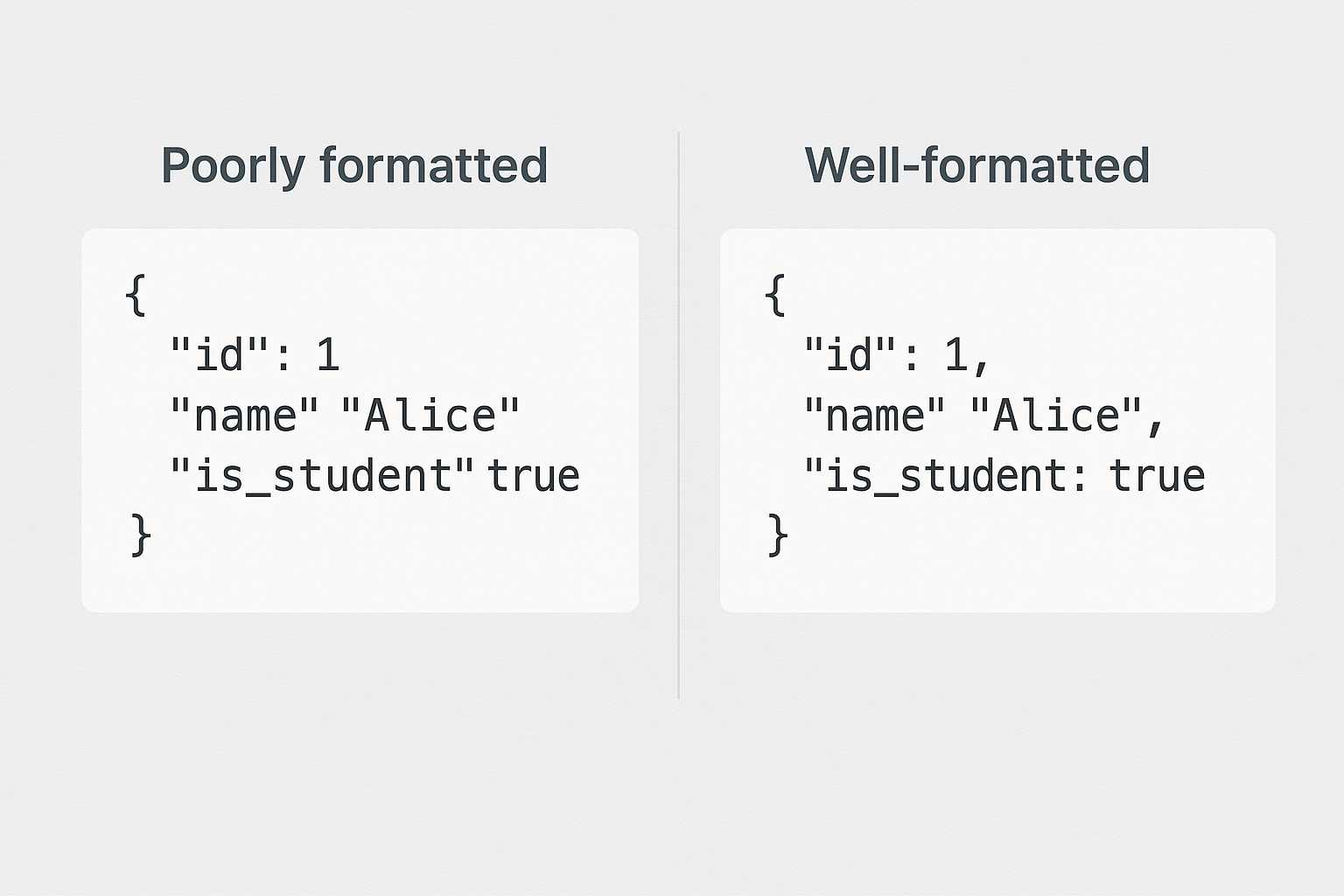
JSON looks simple at first. Curly braces, a few key-value pairs, maybe some nested objects—nothing too intense. But anyone who has worked with real-world JSON knows that mistakes creep in easily, often in ways that slow development down or break entire features. What makes JSON tricky isn’t its syntax. It’s how quickly small formatting issues turn into difficult debugging sessions.
Most developers run into the same patterns of mistakes across different teams, tools, and codebases. These mistakes aren’t a sign of inexperience; they often come from rushed edits, inconsistent conventions, or copy-paste shortcuts. Understanding these recurring issues helps catch them before they cause trouble.
Missing or Extra Commas
One of the most common formatting errors is also one of the easiest to make: missing or extra commas. JSON is strict about its structure, so forgetting a comma between items breaks everything instantly.
It usually looks something like this:
{
  "name": "Alex"
  "role": "developer"
}
A tiny missing comma turns valid JSON into something that throws errors in every parser. Extra commas create similar issues, especially when arrays or objects are modified quickly.
These errors often happen during manual edits. A quick formatting pass usually exposes them. While reviewing a response recently, I opened {{link_of_tool}} just to clean up a section and the missing comma became obvious once everything was aligned.
Inconsistent Naming Conventions
JSON doesn’t enforce naming styles, which means developers get freedom—and also problems. Mixed naming styles cause confusion in large projects. For example:
userNameuser_nameUserName
Individually, none of these are wrong. But when they appear together in the same API response or config file, they break consistency. Teams end up writing extra mapping code or patching one-off conversions just to standardize structure.
These mistakes often slip in when multiple developers touch the same JSON without agreement on a common format.
Incorrect Data Types
Another frequent issue involves values that should be one type but arrive as another. A boolean that arrives as a string ("true" instead of true) can break logic unexpectedly.
Some common mismatches include:
- Numbers sent as strings
- Booleans sent as numeric values
- Arrays replaced with single objects
- Null values where strings were expected
These mistakes usually happen due to backend transformations or quick patches that don’t consider the downstream impact. Spotting them often requires good test coverage or thoughtful schema checks.
Trailing Commas in Objects and Arrays
Trailing commas are allowed in some languages, but JSON has zero tolerance for them.
[
  {
    "id": 1,
    "name": "Item A",
  }
]
This looks harmless but immediately breaks when parsed. These errors appear in real projects because developers coming from JavaScript, Python, or TypeScript forget that JSON is more strict.
This mistake becomes especially common during large merges where items get added and removed frequently.
Duplicate Keys Inside an Object
JSON technically allows duplicate keys, but the result is rarely what the developer intended. Most parsers simply use the last key and ignore the rest.
{
  "id": 10,
  "id": 20
}
This is easy to miss in a large configuration file, especially during merge conflicts. Duplicate keys lead to confusing behavior because the overwritten values disappear silently.
In real projects, this often happens after resolving conflicts too quickly or copying blocks of JSON without noticing overlapping fields.
Poor Indentation and Lack of Formatting
Technically, JSON doesn’t care about formatting. Humans do. Poor indentation makes structure difficult to understand and errors harder to catch.
Many mistakes that seem complicated turn out to be simple structure problems hidden by compressed or unformatted data. Developers often rely on linters or formatting tools to restore clarity, which also exposes hidden issues.
Readable JSON isn’t just aesthetic—it’s functional. Teams debugging a complex feature shouldn’t have to mentally re-indent nested objects just to figure out what’s missing.
Incorrect Use of Arrays and Objects
Developers sometimes choose an array when an object would make more sense, or vice versa. These mistakes lead to inconsistent structures across environments or API endpoints.
For example:
"items": {
  "name": "Item A"
}
This becomes a problem when the consuming code expects items to always be an array:
"items": [
  { "name": "Item A" }
]
The mismatch forces developers to write defensive code just to handle two different data shapes for the same field.
Unescaped Characters
Special characters inside JSON strings must be escaped, but in real projects, they frequently aren’t—especially when data comes directly from user input.
Examples include:
- Unescaped quotes
- Backslashes
- Newlines
- Unicode characters in the wrong format
These problems often surface only once the JSON is parsed or stored, producing inconsistent errors across different platforms or libraries.
Accidental Comments Inside JSON
Many developers forget that JSON does not support comments. Coming from languages where inline comments are normal, it’s easy to accidentally slip one in:
{
  "key": "value"
  // "old_key": "deprecated"
}
Some environments ignore these comments silently, but others break immediately. This inconsistency leads to unpredictable behavior when the JSON moves through different tools or pipelines.
Teams often resort to adding comments in separate documentation or placing explanations in nearby code rather than directly inside JSON.
Breaking Structure When Merging Large Files
Merge conflicts inside JSON are notorious for causing broken structure. Developers resolve conflicts quickly, especially under time pressure, and may miss a bracket or delete part of a nested section.
These structural breaks often produce errors that point to unrelated lines, making debugging slower. It’s not unusual for a team to spend more time fixing a broken merge than implementing the actual feature.
Automated checkers help, but they don’t replace careful attention during merges.
Forgetting Required Fields
In large APIs, some fields are mandatory even when they seem optional. Removing or renaming them can break downstream features, especially when the receiving service expects a fixed structure.
This mistake usually appears when cleaning up responses or simplifying endpoints. A missing field might not break the JSON itself, but it breaks expectations.
These issues often reveal themselves only during integration testing or production logs.
Why These Mistakes Keep Appearing
From rushed edits to unfamiliar formatting rules, JSON mistakes appear in nearly every project. They persist because real development rarely happens under ideal conditions. Code is copied, merged, reformatted, shared, and repurposed constantly.
Even experienced developers slip up when juggling deadlines or navigating complex data structures. What matters is recognizing the patterns so issues become easier to diagnose and prevent.
Practical Ways to Reduce JSON Mistakes
Though mistakes are common, a few habits greatly reduce their frequency:
- Always format JSON before reviewing it
- Use schema validation when possible
- Introduce lightweight linting rules
- Review large JSON changes in pairs
- Test endpoints with realistic data
These practices don’t eliminate errors entirely, but they make them much easier to catch early.
Conclusion
JSON is simple, but real-world mistakes aren’t. They come from rushed edits, unclear structure, unpredictable data, and evolving project needs. Understanding the most common formatting issues helps developers catch them faster and avoid hours of debugging.
When JSON is clean, consistent, and validated, projects become easier to maintain—and far less frustrating to debug.