10 Useful HTML Tags Every Developer Should Know (with Examples)
Introduction
HTML, or HyperText Markup Language, is the backbone of every website. Whether you're creating a simple landing page or a complex web app, HTML provides the structure on which everything else — like CSS and JavaScript — builds. However, while most developers know the basics, mastering a few powerful HTML tags can significantly improve your website’s accessibility, SEO, and overall performance.
In this blog, we’ll explore 10 useful HTML tags every developer should know. Each tag comes with an explanation, real-world example, and best practices to help you write clean, semantic, and future-proof code.
1. The <header> Tag
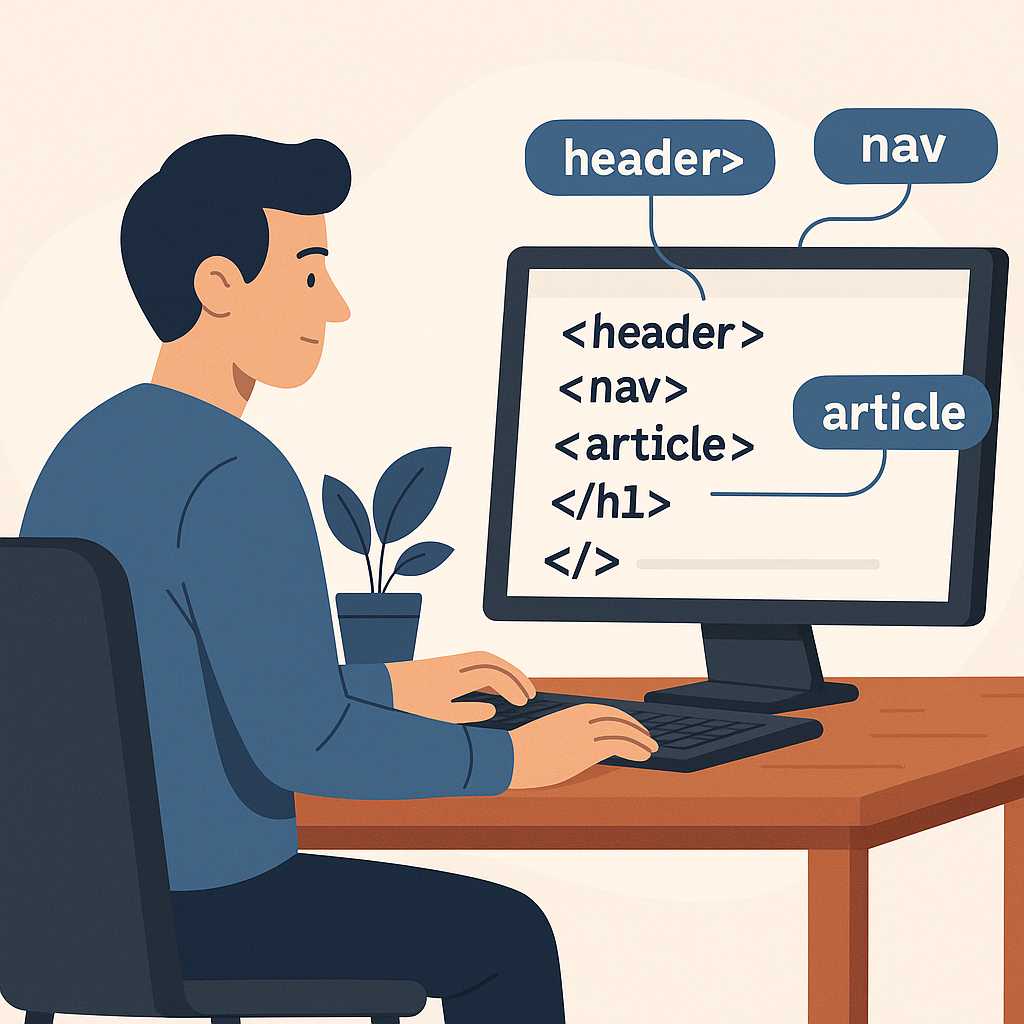
The <header> tag represents the introductory section of a webpage or a specific section. It typically contains navigational links, logos, and headings. This tag helps search engines understand the structure of your content and improves accessibility for screen readers.
Example:
<header>
  <h1>Welcome to KnowAdvance</h1>
  <nav>
    <ul>
      <li><a href="#home">Home</a></li>
      <li><a href="#blogs">Blogs</a></li>
      <li><a href="#contact">Contact</a></li>
    </ul>
  </nav>
</header>
Pro Tip: Use <header> at both page and section levels to maintain a semantic structure throughout your layout.
2. The <section> Tag
The <section> tag divides your page into meaningful parts. Each section should represent a self-contained concept, such as a group of articles, services, or tutorials. It enhances readability and makes the layout more logical.
Example:
<section>
  <h2>Latest HTML Tutorials</h2>
  <p>Learn modern HTML features with practical examples.</p>
</section>
Sections help both humans and search engines understand the flow of your webpage, improving SEO and structure.
3. The <article> Tag
The <article> tag defines independent content that can stand on its own — like blog posts, news articles, or documentation entries. It’s ideal for websites like KnowAdvance.com where each blog post is distinct but part of a larger content collection.
Example:
<article>
  <h2>Understanding HTML Semantics</h2>
  <p>Semantic HTML improves accessibility and SEO by giving meaning to your code.</p>
</article>
Why it matters: Using <article> makes your content easier to syndicate and optimizes it for search crawlers.
4. The <nav> Tag
Navigation is vital for both users and search engines. The <nav> tag defines a block of navigation links — usually placed inside the header, footer, or sidebar. It signals to browsers and screen readers that these links are for website navigation.
Example:
<nav>
  <ul>
    <li><a href="/home">Home</a></li>
    <li><a href="/about">About</a></li>
    <li><a href="/contact">Contact</a></li>
  </ul>
</nav>
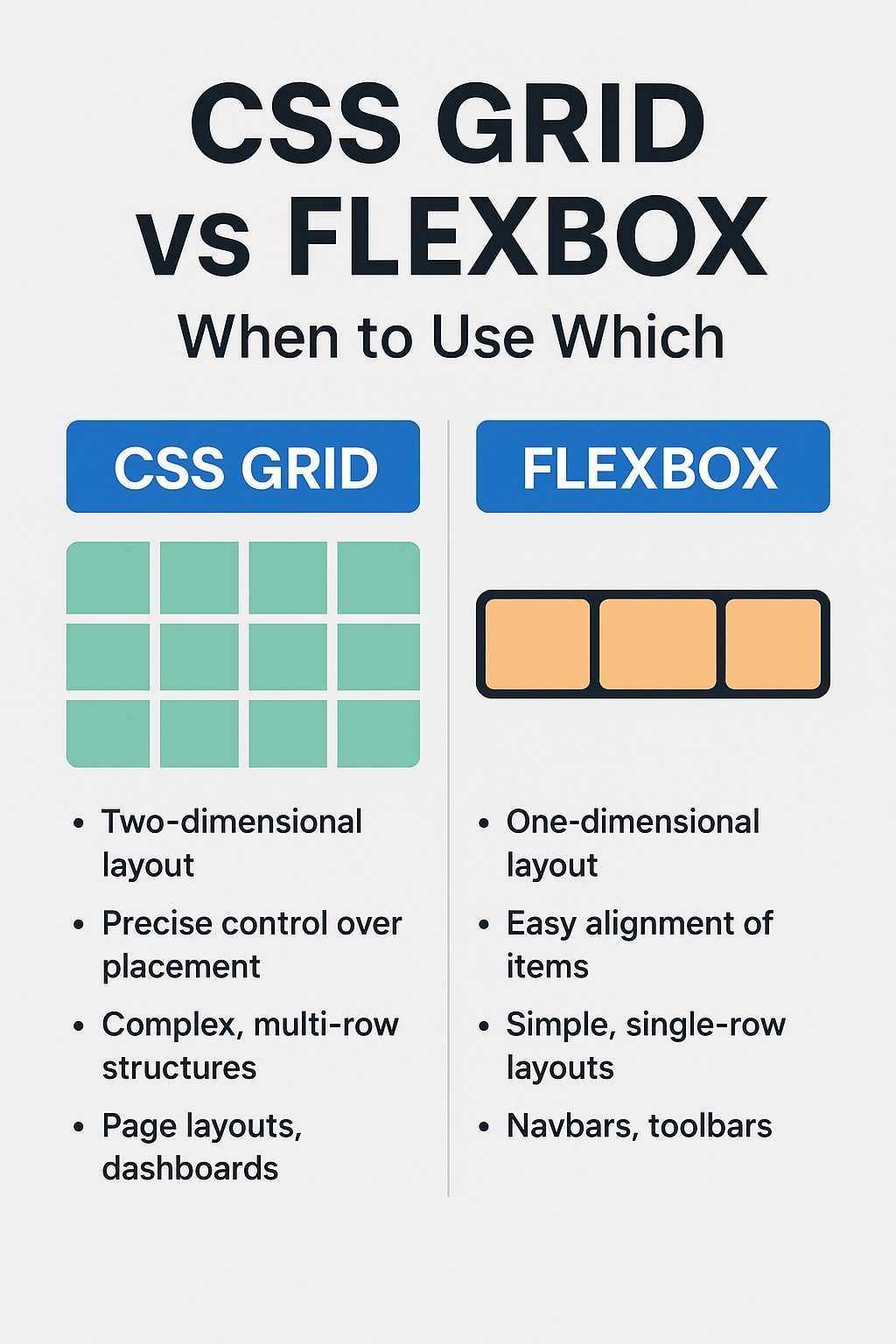
For more layout and navigation control, you can combine HTML with modern CSS tools like Flexbox.
5. The <figure> and <figcaption> Tags
These tags work together to provide semantic markup for images, charts, or code snippets with captions. The <figure> tag wraps the content, while <figcaption> adds a descriptive caption. This pairing improves accessibility and content understanding.
Example:
<figure>
  <img src="html-example.png" alt="HTML Example">
  <figcaption>Example of a simple HTML structure.</figcaption>
</figure>
SEO Tip: Always include descriptive alt text for images to improve accessibility and search rankings.
6. The <aside> Tag
The <aside> tag defines content that is tangentially related to the main content — like sidebars, pull quotes, or related links. It’s perfect for showing additional information without cluttering your main content area.
Example:
<aside>
  <h3>Did You Know?</h3>
  <p>HTML5 introduced semantic tags like <section>, <article>, and <header> to make code more meaningful.</p>
</aside>
Learn more about modern HTML evolution in our post on HTML5 vs HTML4 differences.
7. The <main> Tag
The <main> tag highlights the dominant content of the webpage. It should contain unique content directly related to the page’s primary purpose, excluding sidebars, navigation, or footer elements.
Example:
<main>
  <article>
    <h2>Mastering HTML Structure</h2>
    <p>Understanding the main section helps in better SEO and accessibility.</p>
  </article>
</main>
Assistive technologies can use this tag to jump straight to the main content, improving user experience significantly.
8. The <footer> Tag
The <footer> tag appears at the bottom of the page or section. It often contains contact information, copyright, or navigation links. Like <header>, you can use it at multiple levels within your document.
Example:
<footer>
<p>© 2025 KnowAdvance. All Rights Reserved.</p>
<p>Follow us on <a href="#">LinkedIn</a> and <a href="#">GitHub</a>.</p>
</footer>
Pro Tip: Always ensure your footer contains helpful links and concise copyright info for professional presentation.
9. The <code> and <pre> Tags
For developers and technical bloggers, these tags are invaluable. The <code> tag displays inline code snippets, while <pre> preserves formatting for multi-line examples.
Example:
<p>Use the <code><div></code> tag to create divisions in HTML.</p>
<pre><code>
<div class="example">
<p>This is a paragraph inside a div.</p>
</div>
</code></pre>
These tags are essential for presenting readable examples in documentation or blogs — especially in developer-focused sites like KnowAdvance.
10. The <details> and <summary> Tags
These tags create an interactive disclosure widget, allowing users to toggle additional information without JavaScript. It’s great for FAQs or collapsible explanations.
Example:
<details>
  <summary>Click to Learn More</summary>
  <p>The <details> and <summary> tags improve user experience and reduce clutter.</p>
</details>
They’re lightweight, SEO-friendly, and enhance accessibility by default.
Next Up: Best Practices and Semantic SEO Tips
In the next part of this article, we’ll cover HTML best practices, semantic structures, and how using these tags can boost your website’s SEO performance. We’ll also include a Further Reading section, FAQs, and a concise Conclusion to wrap it all up.
Best Practices for Using HTML Tags Effectively
Knowing the right HTML tags is only half the battle — using them effectively is what separates a beginner from a professional web developer. Semantic HTML ensures that your code not only looks clean but also helps search engines and assistive technologies understand your website better. Let’s explore some practical best practices to make your HTML shine.
1. Write Semantic and Accessible Code
Semantic HTML means using tags that describe their meaning clearly. For example, instead of wrapping content in a generic <div>, use <section>, <article>, or <header> based on the content type. This enhances both SEO and accessibility.
Screen readers and search engines rely on HTML semantics to determine the structure of your webpage. Using the right tags helps users with disabilities navigate your site efficiently while improving your visibility in Google’s search results.
2. Keep Your Code Organized and Indented
Consistent indentation improves readability and maintainability. When working on large projects, well-structured HTML makes collaboration easier for teams and prevents bugs during CSS or JavaScript integration.
<section>
  <article>
    <h2>Clean Code Matters</h2>
    <p>Indentation keeps your HTML easy to read and debug.</p>
  </article>
</section>
3. Always Include Alt Attributes for Images
Every <img> tag should have an alt attribute describing the image. This not only helps visually impaired users but also contributes to better SEO rankings. For example:
<img src="developer-setup.jpg" alt="Developer working on HTML code">
Google Image Search uses this data to understand your images and display them in search results — an often-overlooked traffic source for developers and bloggers.
4. Use Headings in Hierarchical Order
Headings are not just for styling — they’re structural cues for both users and search engines. Use them logically:
<h2>for major sections<h3>for subsections<h4>for smaller topics or examples
Never skip heading levels. This creates a logical flow that boosts SEO readability and helps screen readers understand content order.
5. Validate Your HTML Code
Even experienced developers make small mistakes — unclosed tags, missing attributes, or misnested elements. Use the W3C HTML Validator to catch and fix issues quickly. Clean HTML is critical for browser compatibility and SEO performance.
SEO Benefits of Semantic HTML Tags
HTML is not just for structuring your page; it plays a key role in how search engines interpret your content. When used correctly, semantic tags provide clear signals about your website’s hierarchy and purpose, improving both discoverability and ranking potential.
1. Better Content Indexing
Semantic tags like <article>, <header>, and <section> help Google understand different sections of your page. This can lead to rich snippets and improved click-through rates.
2. Enhanced Accessibility and User Experience
Tags like <main> and <nav> enable assistive technologies (like screen readers) to skip repetitive content and jump straight to relevant information, improving user satisfaction and engagement metrics.
3. Reduced Reliance on JavaScript for Structure
While JavaScript enhances interactivity, HTML should always define the base structure. Tags such as <details> and <summary> allow for expandable sections without extra scripts, improving loading time and SEO performance.
Common Mistakes Developers Make
- Using too many
<div>elements instead of semantic tags. - Forgetting to close tags properly.
- Skipping
<alt>attributes for images. - Overusing inline styles instead of CSS.
- Not validating HTML structure before deployment.
Avoiding these mistakes will make your pages faster, cleaner, and more SEO-friendly. For example, when positioning elements, always rely on CSS rather than old-school table layouts. Learn modern layout methods in our guide on CSS Flexbox.
Further Reading
- HTML5 vs HTML4: Key Differences Explained
- CSS Flexbox Complete Guide with Examples
- How to Center Anything in CSS
FAQs
1. What are semantic HTML tags?
Semantic HTML tags are elements that clearly describe their meaning both to the browser and the developer. Examples include <article>, <header>, and <section>. They improve readability, accessibility, and SEO.
2. Which HTML tags improve SEO the most?
Tags like <header>, <article>, <section>, and <main> help search engines interpret your page structure. Also, using proper <title> and <meta> elements in the head section is crucial for better rankings.
3. How can I make my HTML more accessible?
Use alt attributes for images, ensure proper heading hierarchy, use <nav> for navigation, and avoid using color alone to convey meaning. Accessibility benefits both users and SEO.
4. What’s the difference between <div> and <section>?
<div> is a generic container with no semantic meaning, while <section> represents a thematic grouping of content. Use <div> for layout only when no other tag fits the purpose.
5. Do I need to learn all HTML tags to be a good developer?
No, but understanding the most commonly used and semantic tags makes your code more professional and SEO-friendly. Start with the top 10 covered in this guide and expand as you build more projects.
Conclusion
HTML is the foundation of the web, and mastering its core tags can drastically improve the quality, accessibility, and performance of your websites. By using semantic elements like <header>, <article>, and <section>, you create a structure that’s both user-friendly and search-engine-friendly. Combine these tags with modern CSS techniques and best practices to craft clean, maintainable, and SEO-optimized code.
Remember: great web development isn’t just about writing code — it’s about writing meaningful, structured, and accessible code that stands the test of time. Keep learning, keep experimenting, and keep your HTML elegant!