Best AI Chrome Extensions to Boost Productivity in 2025
Introduction
Artificial Intelligence (AI) has rapidly evolved from a futuristic concept to a powerful assistant in our daily workflows. Whether you're a student, developer, marketer, or content creator, AI-powered Chrome extensions can help streamline your tasks, automate repetitive processes, and enhance creativity. In this blog, we’ll explore the top AI Chrome extensions for productivity in 2025 — tools that can supercharge your browsing experience and save hours every week.
What Are AI Chrome Extensions?
AI Chrome extensions are browser add-ons that integrate artificial intelligence capabilities directly into your Google Chrome browser. These tools use machine learning and natural language processing (NLP) to help users write, summarize, research, translate, or even automate workflows without leaving their tabs.
From summarizing long articles to generating content ideas and managing emails, AI Chrome extensions serve as smart personal assistants that work quietly in the background to make your digital life easier.
Why AI Chrome Extensions Matter in 2025
The year 2025 is witnessing an explosion in AI adoption. With remote work, online learning, and digital entrepreneurship becoming mainstream, people are constantly seeking ways to improve productivity. AI Chrome extensions fill that gap by combining accessibility and intelligence in one click.
Moreover, the integration of AI tools with popular services like Google Docs, Gmail, Notion, and LinkedIn makes these extensions indispensable. Whether you’re writing a research paper, replying to emails, or generating blog ideas, AI Chrome extensions can save hours and boost output quality.
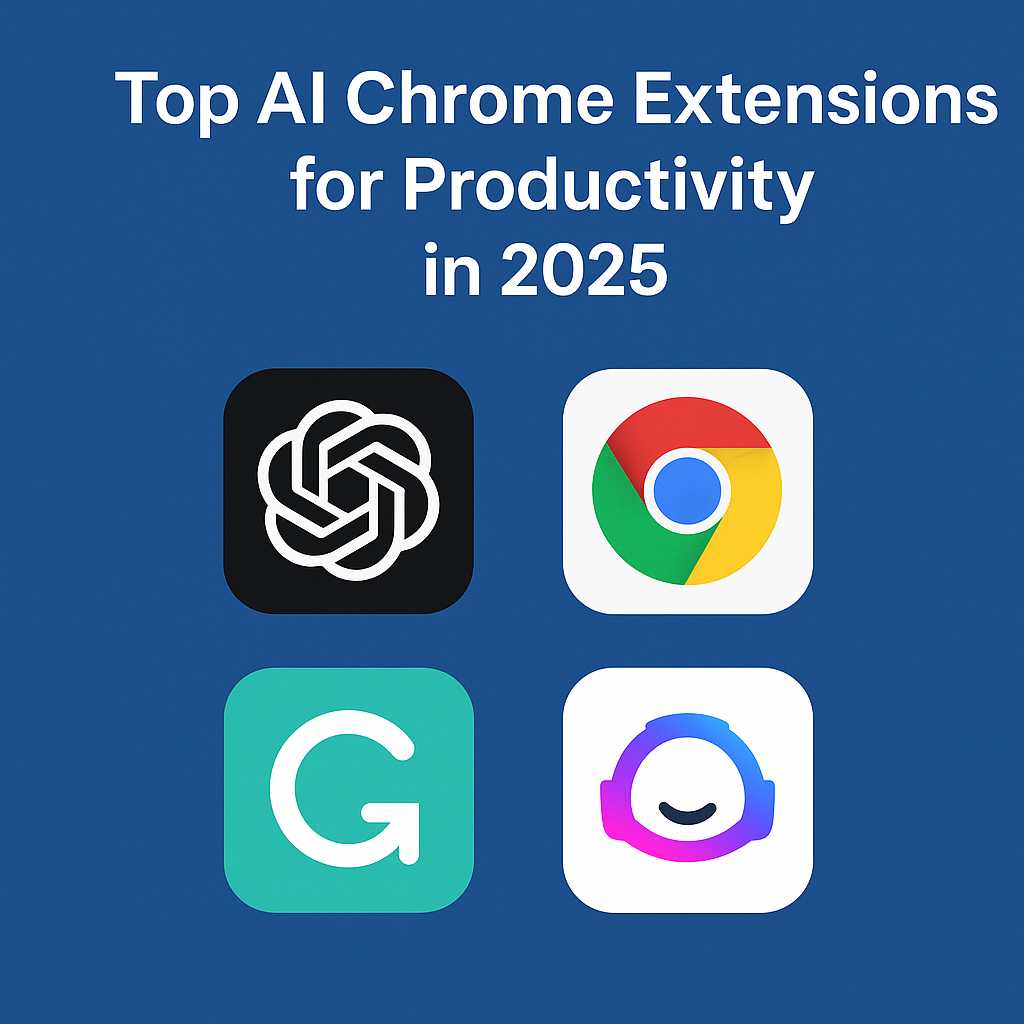
Top AI Chrome Extensions for Productivity in 2025
1. ChatGPT for Chrome (OpenAI)
The official ChatGPT Chrome extension is one of the most versatile AI tools available today. It enables users to access ChatGPT’s conversational power directly from the browser — ideal for writing, coding, brainstorming, or customer support.
- Instant answers to any query directly in your browser.
- Summarize pages, write emails, and translate text.
- Supports GPT-4 for premium users.
2. GrammarlyGO
GrammarlyGO takes the classic Grammarly extension to the next level with AI writing assistance. Beyond correcting grammar and tone, it now helps generate full paragraphs, outlines, and rewrites for clarity.
- AI-based contextual writing suggestions.
- Generates ideas and rewrites for tone or style.
- Integrates with Gmail, LinkedIn, and Google Docs.
3. Jasper AI Chrome Extension
Jasper is a popular AI writing assistant used by marketers and content creators. The Chrome extension allows you to create compelling ad copies, social media posts, or blog intros without switching tabs.
- Instant content generation within any text box.
- Perfect for marketers, copywriters, and entrepreneurs.
- Templates for SEO, social media, and blog posts.
4. Compose AI
Compose AI helps automate repetitive typing tasks. It learns your writing style and predicts entire sentences, reducing email writing time by up to 40%.
- Autocomplete and smart compose features.
- Custom phrase learning for personalized writing.
- Works seamlessly across Chrome text inputs.
5. Merlin AI
Merlin is one of the best free ChatGPT-based Chrome extensions. It allows users to summarize, reply, or generate text on any webpage using a simple keyboard shortcut.
- Summarize YouTube videos, articles, or PDFs instantly.
- Powered by OpenAI GPT models.
- Lightweight and efficient performance.
6. Fireflies.ai
Fireflies.ai integrates AI note-taking and meeting transcription right into your browser. It automatically records, transcribes, and summarizes calls from Google Meet, Zoom, or Teams.
- Automatic meeting recording and searchable notes.
- Collaboration features for team productivity.
- Integrates with project management tools like Asana and Notion.
7. Notion AI Chrome Extension
Notion AI helps enhance your productivity within the Notion workspace. The Chrome extension brings AI writing, task organization, and summarization right into your browser.
- Generate and format content inside Notion pages.
- Summarize research or notes automatically.
- Ideal for students and project managers.
Pros and Cons of AI Chrome Extensions
Pros
- Save time by automating repetitive writing tasks.
- Enhance writing quality and accuracy.
- Boost creativity with AI-generated ideas.
- Integrate seamlessly into daily workflows.
- Work across multiple websites and platforms.
Cons
- Overreliance on AI can reduce originality.
- Some extensions may have data privacy concerns.
- Premium versions can be expensive for individual users.
- Requires stable internet connectivity.
Practical Use Cases of AI Chrome Extensions
Here are a few real-world scenarios where AI extensions can make a tangible difference:
- Students: Summarize research papers, generate essay outlines, and check grammar with tools like GrammarlyGO or Notion AI.
- Writers: Create blog drafts, product descriptions, and ad copies using Jasper or ChatGPT.
- Developers: Use ChatGPT extensions to debug code or write documentation efficiently.
- Marketers: Automate content ideation, write emails, and optimize ad copy using AI templates.
- Remote Teams: Transcribe meetings and create action items using Fireflies.ai.
How to Make Money Using ChatGPT and AI Chrome Extensions
AI Chrome extensions aren’t just for productivity — they can also be a source of income when used strategically. Here’s how you can make money using ChatGPT and AI tools:
- Freelance Writing: Use ChatGPT and Jasper to write articles, emails, and copy faster. Platforms like Fiverr or Upwork are great starting points.
- Affiliate Marketing: Use AI tools to generate content and automate product descriptions for affiliate websites.
- Social Media Management: Automate captions, replies, and content ideas using extensions like Compose AI.
- Online Courses or Ebooks: Use ChatGPT to structure, write, and polish educational materials efficiently.
- AI Consulting: Offer AI productivity setup services for businesses or solopreneurs.
These opportunities show how AI tools can not only save time but also help generate passive and active income streams when applied creatively.
Best Practices for Using AI Chrome Extensions
AI Chrome extensions can be incredibly powerful, but like any tool, they need to be used strategically. Following best practices will ensure that you get maximum productivity benefits without compromising on originality or privacy.
1. Balance AI and Human Creativity
While AI can generate content and automate tasks, it’s important to maintain a human touch. Always review and refine AI-generated output to align with your personal or brand tone. AI should assist — not replace — your creativity.
2. Protect Your Data
Many AI extensions require access to browser data. Make sure you read their privacy policies carefully and avoid sharing confidential or personal information in AI prompts. Opt for trusted tools like ChatGPT or GrammarlyGO that adhere to data protection standards.
3. Use Extensions That Integrate With Your Workflow
Not all extensions are made for everyone. A student might benefit more from Notion AI, while a marketer may prefer Jasper or Compose AI. Choose tools that fit naturally into your existing workflow instead of overloading your browser with unnecessary plugins.
4. Update Regularly
AI extensions evolve quickly. Keep them updated to ensure compatibility with Chrome’s latest version and to access new features or performance improvements. Outdated tools can cause errors or slow down your browser.
5. Limit the Number of Extensions
Having too many extensions active can consume system memory and affect performance. Only enable the ones you use daily. Regularly audit and remove those that no longer serve your productivity goals.
Common Mistakes to Avoid
- Blindly trusting AI-generated content: Always fact-check AI responses before publishing or sharing.
- Ignoring ethical guidelines: Don’t use AI extensions to plagiarize or mislead readers. Use them to enhance, not deceive.
- Skipping proofreading: Even the best AI tools can make grammatical or factual errors. Manual review is crucial.
- Neglecting originality: Overuse of AI-generated text can lead to generic writing. Blend AI ideas with your own thoughts.
Step-by-Step Guide: How to Use AI Chrome Extensions Effectively
- Step 1: Go to the Chrome Web Store and search for your desired AI extension (e.g., “ChatGPT for Chrome”).
- Step 2: Click “Add to Chrome” and grant necessary permissions.
- Step 3: Pin the extension for easy access from your browser toolbar.
- Step 4: Log in or create an account if required.
- Step 5: Start using the extension within your browser — highlight text to summarize, generate responses in chat fields, or use shortcuts to automate actions.
- Step 6: Test different prompts to see how the AI responds. The more specific your prompt, the better your results.
- Step 7: Save frequently used outputs or templates for later reuse.
Conclusion
The productivity landscape in 2025 is dominated by AI, and Chrome extensions are leading this revolution. From automating emails to summarizing research papers, AI Chrome extensions have made digital work more efficient than ever before. Tools like ChatGPT, Jasper, and GrammarlyGO are redefining how students, writers, and professionals interact with information and creativity.
As technology continues to evolve, embracing these AI extensions can help you stay ahead — saving time, improving output, and even creating new income opportunities. The key is to use them mindfully, combining AI intelligence with human creativity to produce meaningful and impactful work.
FAQs
1. Are AI Chrome extensions safe to use?
Yes, most AI Chrome extensions are safe if downloaded from trusted sources like the Chrome Web Store. However, always review their permissions and privacy policies before installation.
2. Can I use ChatGPT for free on Chrome?
Yes, the free version of ChatGPT can be accessed via official extensions or third-party plugins like Merlin. Premium versions (GPT-4) offer more advanced features and faster responses.
3. Which AI Chrome extension is best for students?
For students, tools like Notion AI, GrammarlyGO, and ChatGPT for Chrome are excellent. They help in summarizing notes, generating essays, and improving writing quality.
4. Do AI extensions work offline?
Most AI Chrome extensions require an internet connection since they rely on cloud-based models. Offline support is rare but improving with local AI models.
5. How can I make money using AI extensions?
You can make money by offering content writing, affiliate marketing, social media management, and AI setup services using tools like ChatGPT, Jasper, or Compose AI.