Reducing Workflow Friction Through Quick Offline-to-Online Linking
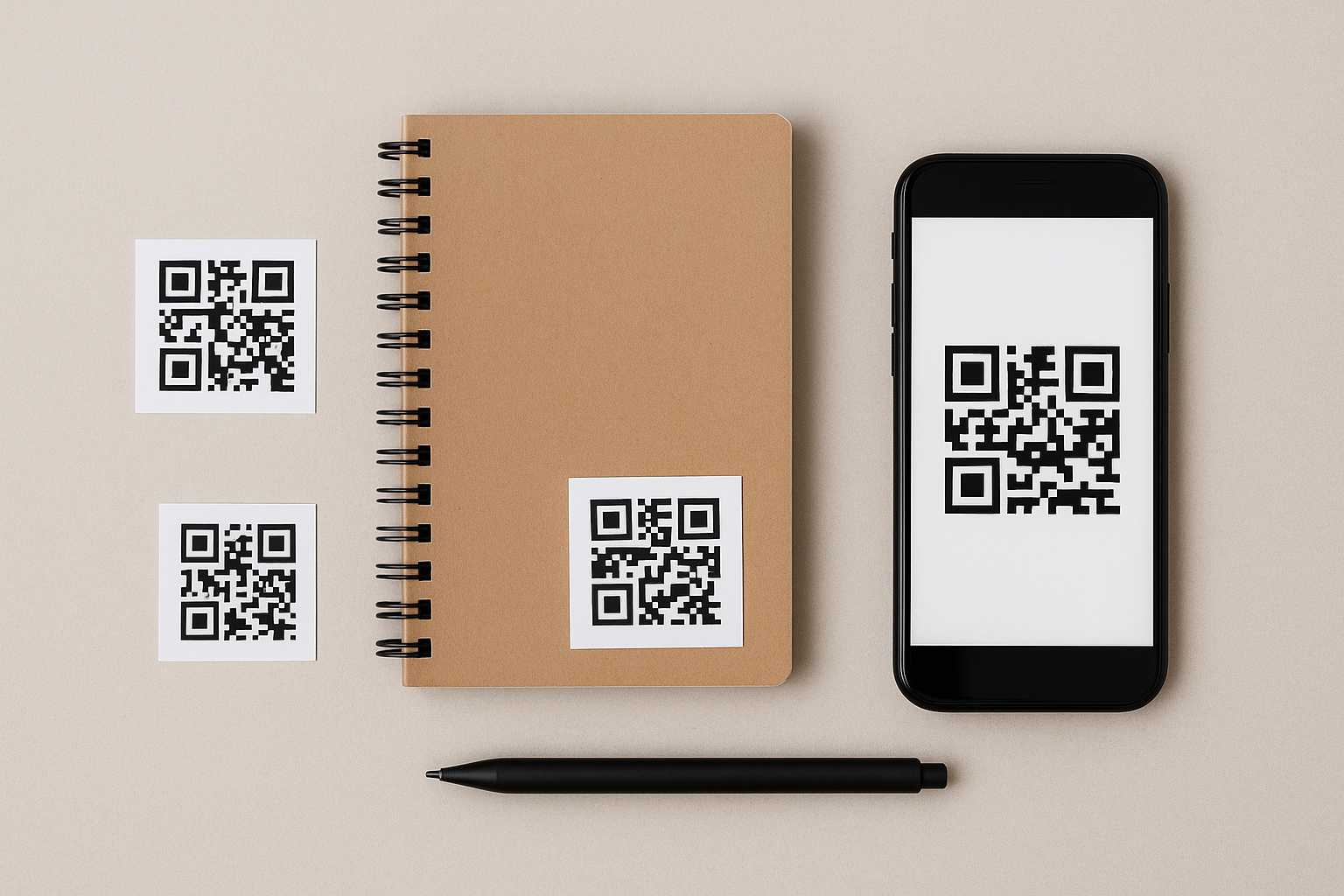
Most people who work across both physical and digital spaces eventually run into the same frustration: the small gap between what’s in front of them and the information stored somewhere online. A note on the desk needs a related document. A piece of equipment needs instructions buried in a shared folder. A recurring task depends on a checklist that’s always saved in the wrong app. These tiny delays add up, slowly wearing down momentum. Quick offline-to-online linking is one of those quiet methods that helps close these gaps without adding new tools or complicated processes.
Why bridging physical tasks to digital references matters
There’s something grounding about physical workspaces—they’re immediate and easy to navigate. But digital information carries the detail and structure needed to complete most tasks. When the connection between the two requires too many steps, people start skipping documentation or postponing things until they "get back to the computer." That’s where friction tends to build.
Offline-to-online linking simply creates shortcuts. A label, tag, or printed marker turns into a doorway to whatever digital resources support the task. Instead of remembering a file name or digging through apps, the transition becomes a one-tap action.
How quick linking works in everyday workflows
Consider a workbench in a small studio. Tools are easy to reach, but instructions, notes, and design guidelines often live digitally. Placing a small code or symbol near each station that points to its relevant materials makes the workflow feel smoother. When someone needs details, the reference is exactly where the action happens.
Another common example appears in shared home or office spaces. A printer might need a troubleshooting guide that everyone forgets about. A supply shelf might have a restock list that constantly gets lost. Quick linking connects these moments to living digital notes without forcing people to adopt a new system.
Simple ways to set up offline-to-online links
You don’t need a large structure in place—just a way to map physical items to online content. QR codes tend to be the easiest approach because they scan instantly and can connect to almost anything. While preparing your links, you might generate a few codes using something like this QR code creator so they stay clean and readable.
The trick is to link only what genuinely helps. Too many labels create noise. A handful of well-placed cues make the workflow lighter without feeling cluttered.
Where these links become especially helpful
Teams working with rotating responsibilities often benefit from quick links. One person might finish a task, another might pick it up next week, and both need access to the same instructions or notes. Instead of sending messages back and forth, the physical space tells them where to look.
Students and hobbyists find these shortcuts helpful as well. A music learner might attach a code to an instrument case that leads to warm-up routines. A gardener might place a small tag near a set of pots linking to plant-specific care notes. These small touches save time when the mind is already busy with the task at hand.
If you’ve explored articles like digital labeling tips or guides on organizing tasks visually, these ideas weave nicely together. Each approach encourages clarity by placing information where it’s most intuitive.
Creating continuity across shifting work environments
Many people move between home, office, and field work. Context shifts often interrupt focus, and every environment has its own set of tools, links, and references. Offline-to-online linking helps create continuity by letting the physical workspace “remember” things for you.
For example, a project folder that follows you between locations might hold a printed label that links to its digital companion page. When you open the folder, you’re instantly brought into the right context without needing to search through your device.
Practical examples that show the value of quick linking
Small studios often use this approach for supply management. Each drawer or bin carries a code that points to a simple inventory note. When supplies run low, anyone scanning it can update the list. Nothing needs to be rewritten or reprinted.
In classrooms, instructors often link physical handouts or lab equipment to online explanations or videos. Students can quickly revisit instructions without waiting for clarification. It makes the learning environment more self-directed and less dependent on constant verbal reminders.
Even personal routines benefit. A fitness board at home might have a tag that leads to a video demonstration. A home maintenance binder might use printed markers to connect tasks to photo guides. The physical and digital parts reinforce each other instead of competing for attention.
Why these small links reduce friction so effectively
The beauty of offline-to-online linking is its subtlety. It doesn’t force a new habit; it removes steps from an existing one. Instead of juggling apps, documents, and reminders, the physical environment quietly guides you toward what you need.
When done thoughtfully, it also reduces cognitive load. You don’t have to remember where things are stored or which app holds the latest version. The environment does the prompting, not your memory.
Keeping your system simple and sustainable
The best systems grow slowly. Start with one or two links that support tasks you repeat often. As you notice moments of friction—places where you consistently pause or search—that’s where your next link belongs.
There’s no pressure for perfection. These small connections are easy to update, rearrange, or remove. They evolve with your workflow rather than locking you into one format.
A quiet conclusion
Reducing workflow friction doesn’t always require new software or complex planning. Sometimes it’s as simple as creating a clear bridge between the physical task you’re doing and the digital information that supports it. Quick offline-to-online linking brings ease back into routines by letting the right details appear at the right moment, with almost no effort at all.





