Free Online QR Code Generator – Create & Download QR Codes in Seconds
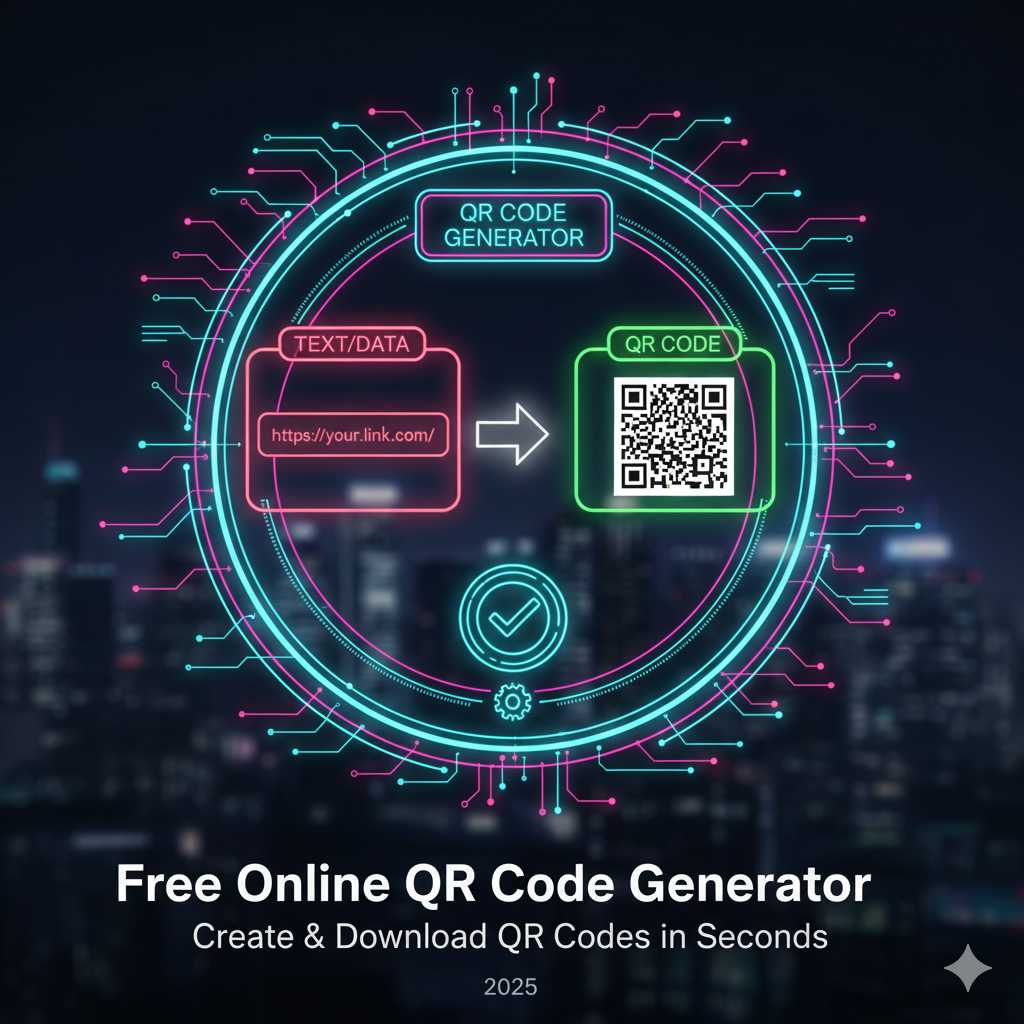
Free Online QR Code Generator – Create & Download QR Codes in Seconds
QR codes have become an essential tool in today’s digital-first world. Whether you’re linking to a website, sharing a business card, directing users to a Wi-Fi network, or launching a promotion, the right QR code can provide instant access for your audience. That’s where our QR Code Generator comes in — a fast, easy and free way to generate high-quality QR codes for any purpose.
What is a QR Code and Why Use One?
A QR Code (Quick Response code) is a two-dimensional barcode that can store data such as a URL, text, contact details, Wi-Fi credentials, and more. It’s designed to be scanned by a smartphone camera or QR scanner app, instantly directing the user to the encoded information.
The advantages are clear:
- Instant access: Users don’t need to type long URLs or details.
- Offline to online bridging: A printed code or display link can take someone directly online.
- Versatility: Use QR codes in marketing material, business cards, packaging, menus, events, and so on.
- Trackable: Many modern QR platforms allow you to track scan numbers, locations and device types.
As more interactions move to mobile devices, QR codes become an efficient and user-friendly way to connect physical and digital worlds.
Key Features of Our QR Code Generator
Here are the main features you’ll find when using our QR Code Generator at KnowAdvance:
- Multiple content types: Whether you need a QR for a web link, plain text, contact card (vCard), Wi-Fi network, SMS, email or other types, the tool supports it.
- No registration required: Simply access the tool, enter your details and download the QR code image — no account needed.
- Downloadable formats: After generation you can download your QR code as an image file (PNG, JPG, or potentially vector formats depending on your setup) for printing or digital use.
- Customization support: While simplicity is core, optional features such as adding your logo, changing colors or setting error-correction levels may be available depending on implementation.
- Fast generation: Since it’s browser-based and light, you get the code in seconds and can integrate it into your project right away.
How to Use the QR Code Generator – Step by Step
Using the QR Code Generator is very easy. Here’s a straightforward workflow:
- Go to the QR Code Generator page on KnowAdvance.
- Select the type of content you want to encode (URL, text, vCard, Wi-Fi, etc.).
- Fill in the required field(s). For example, if you select “URL”, paste the link you want users to go to.
- (Optional) Adjust settings such as color, logo, or error-correction if available in your version of the tool.
- Click the “Generate” button.
- Your QR code appears instantly. Download it as a PNG/JPG (or other format) and use it in your digital or print medium.
- Test the code with a smartphone camera to ensure it scans correctly and directs to the right content.
It’s that simple — you’re ready to embed the QR code into flyers, business cards, email newsletters, social media posts or even packaging artwork.
Practical Use-Cases for QR Codes
QR codes can be applied in many scenarios across business, marketing and personal use:
- Marketing campaigns: Place a QR code on a billboard or print ad to direct users to a landing page. It’s an easy way to measure offline to online conversion.
- Business cards & vCards: Instead of a long URL or typed text, include a QR code on your card that auto-saves your contact info when scanned.
- Menus & hospitality: Restaurants often use QR codes for menus. Patrons scan and view menu items on their phone — contact-free and instant.
- Wi-Fi sharing: Want guests to connect to your network easily? Use a QR code encoding Wi-Fi credentials so they can scan and connect without typing passwords.
- Event check-in & tickets: Use QR codes for entry access, ticket verification, or linking to event schedules.
- Product packaging: Add a QR to packaging linking to user manuals, video tutorials, or warranty registration pages.
Troubleshooting: Why QR Codes May Not Work
If a QR code fails to scan or redirects incorrectly, here are common issues and tips to fix them:
- Ensure there’s sufficient contrast between the QR code foreground and background. Light codes on light background often fail. :contentReference[oaicite:0]{index=0}
- Make sure the code size is large enough for the scanning device. Very small codes may not scan reliably.
- Check the content you encoded — a mistyped URL or wrong character will cause unexpected behavior.
- If customizing design (logo, color changes), ensure the underlying QR pattern remains scannable. Too much design alteration or low error‐correction level may break scanning. :contentReference[oaicite:1]{index=1}
- Test the QR code with several devices (iOS, Android) before printing in bulk or distributing widely.
Tips & Best Practices for Working with QR Codes
Here are some practical tips to maximize the effectiveness of your QR codes:
- Always test before publishing: Whether digital or print, make sure the QR code works as intended with multiple devices.
- Add context or call-to-action: A QR code by itself may not communicate what the user should expect. Use text like “Scan to view our menu” or “Scan to download the app”.
- Use tracking where possible: If your tool supports dynamic QR codes or analytics, you can track how many scans occur, when and from where. This improves marketing measurement. :contentReference[oaicite:2]{index=2}
- Use descriptive filenames or alt text: If you embed the QR code image in an email or website, use alt text describing its intent (e.g., “QR code – join our Wi-Fi”). Helps accessibility and SEO.”
- Maintain branding consistency: Use your brand colors or logo in QR codes (if appropriate) but don’t sacrifice readability or scannability.
Why Choose Our QR Code Generator on KnowAdvance?
At KnowAdvance, we aim to provide tools that are fast, clean and focused on user experience. Here’s why our QR Code Generator stands out:
- Free & No Signup: Jump straight into generating codes without registration or hidden limitations.
- Reliable Output: You’ll get high-quality codes that work across devices and print formats.
- Tool Ecosystem: You’re on a platform with many interlinked tools — after generating your QR, you might also use our URL Shortener, or Meta Preview Tool to preview the link you’re encoding.
- SEO Awareness: The tool is built with speed, minimal clutter and mobile-readiness — aligning with what Google and users prefer.
Related Tools You Might Find Useful
- URL Shortener — shorten long links before creating a QR code for easier tracking and print clarity.
- Link Preview Generator — see how your link will preview on social media, then generate a QR to share it offline.
- UTM Link Builder — add tracking parameters to your link so you can monitor where your QR scans came from.
Final Thoughts
Whether you’re a marketer, business owner, event organizer, or just someone who wants to share information simply, a well-crafted QR code is one of the most straightforward and user-friendly ways to connect your audience to your content. With our free online QR Code Generator at KnowAdvance, you get the power to create, download and deploy QR codes in seconds.
Go ahead — design your next QR code, place it on your print collaterals, share it online, and watch your audience engage seamlessly. The fewer steps between you and your content, the better the experience. Happy generating!
Try it now → QR Code Generator





