Practical Ways Creators Can Streamline Media Storage Without Losing Content
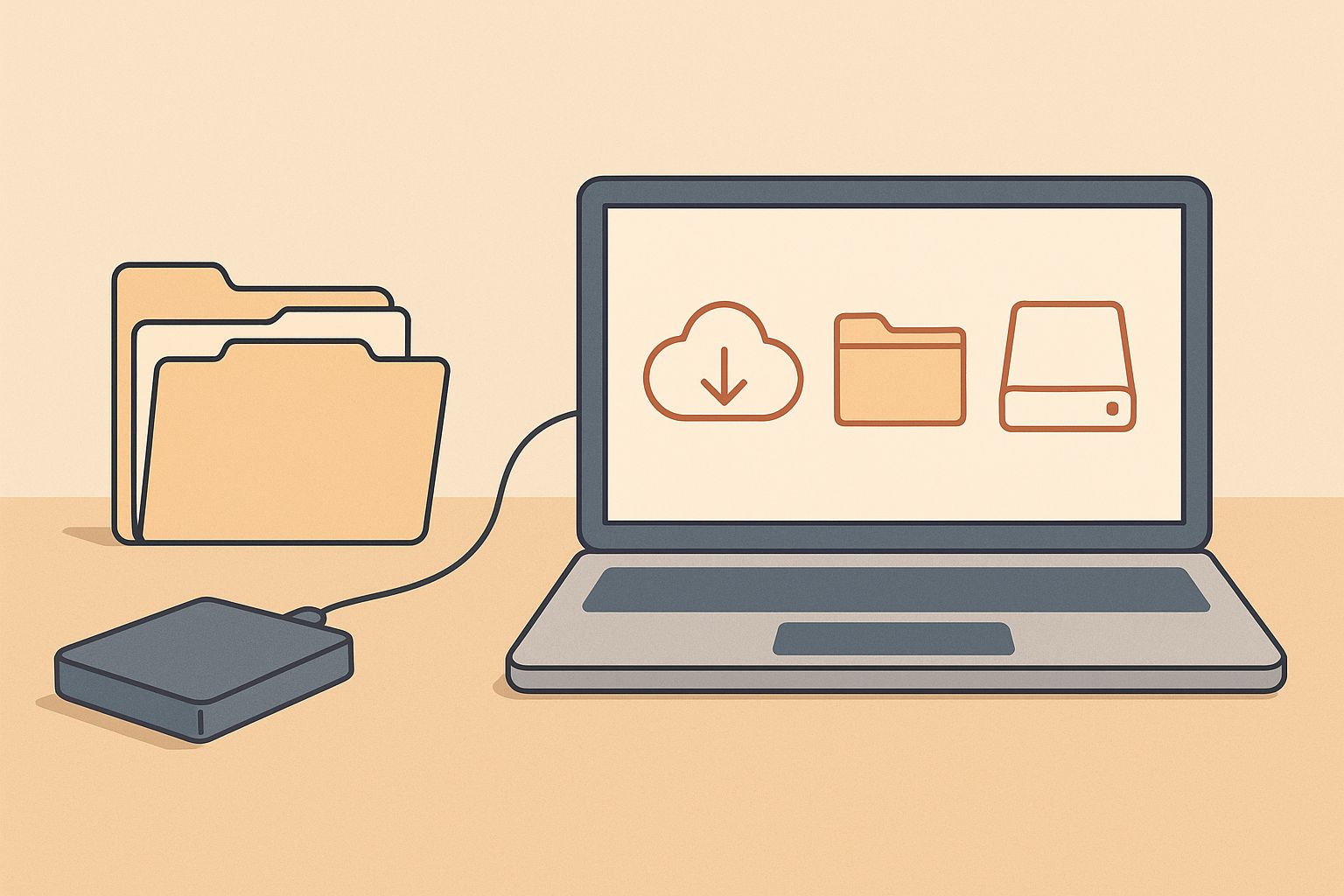
Most creators reach a point where raw footage, design assets, audio files, and endless revisions begin to stack up faster than any organized system can handle. The pressure becomes noticeable when hard drives fill during an active project or when you can’t find that one clip you know you saved. Streamlining storage isn't really about becoming obsessively tidy—it’s about removing friction from the creative process while keeping every piece of content safe.
The good news is that the most reliable systems don’t require complicated software or rigid rules. They usually grow out of simple habits that creators can easily maintain, even during busy production cycles.
A storage system that grows with your projects
Creators often build folder structures on the fly, which works until it doesn’t. A flexible system helps you avoid the trapped feeling that comes from dozens of random folders named “Final_v3” or “New folder (27).” What tends to work better is a project-first structure that loosely follows how you actually work instead of how you think you should work.
For example, if you're producing videos, you might keep a main project folder with subfolders for raw footage, exports, audio, and assets. If you’re a photographer, your breakdown may involve shoots, selects, edits, and deliveries. The structure matters less than consistency. When every project follows the same pattern, your brain starts to know where things live, even months later.
A naming approach that prevents guesswork
Clear names reduce decision fatigue. You don’t need rigid codes—just enough clarity so future you won’t have to guess. Something like “2025-ClientName-Interview-Raw” makes more sense than “New Footage 5.” The timestamp helps immediately sort old versus new, and the descriptive label eliminates the mystery.
A good test is whether someone else could navigate your files without asking questions. If they can, you’re probably doing enough.
Compression that works quietly in the background
Many creators overlook compression because they assume it will degrade quality or add unnecessary steps. But modern tools can reduce file sizes without noticeably affecting visuals, which becomes especially helpful when storing large batches of images. I’ve found myself casually using an online compressor like this one when prepping folders before archiving them, and it keeps older projects lightweight without altering their usefulness.
Small optimizations like this compound over time. When older project folders shrink by a few gigabytes each, you reclaim space you didn’t realize you were losing.
The balance between cloud and local storage
Relying entirely on local drives can feel risky, especially if your work includes long-term clients or recurring revisions. At the same time, cloud storage alone may introduce delays when working with very large files. Most creators eventually find a hybrid system that works quietly in the background.
Local SSDs give you fast access during active editing weeks, while cloud services offer redundancy for long-term archives. A simple rhythm—active projects stored locally, finished projects uploaded to the cloud—keeps both spaces light and manageable.
On days when bandwidth is slow or uploads feel heavy, even moving older exports or unused versions to cold storage (less frequently accessed cloud tiers) can help maintain order.
A simple version-control habit for creators
Unlike developers, creators rarely use formal version-control software, but a loose versioning habit still helps. This can be as simple as saving major milestones with short tags like “edit-rough,” “edit-sound-pass,” or “edit-color v2.” You’re not creating every incremental version, only the ones you’d genuinely want to revert to.
This keeps your archive meaningful and avoids the mess of dozens of nearly identical files. When combined with compressed assets and a clear naming pattern, older projects become surprisingly easier to navigate.
Using previews and proxies to reduce storage pressure
High-resolution media can quietly consume terabytes before you notice. One way to ease the pressure is by generating proxies or preview files during the editing phase. These lighter versions keep your system responsive without forcing you to store multiple heavyweight copies.
Once a project is complete, you can toss the proxies while keeping the originals and final edits. This small habit alone can save hundreds of gigabytes per year for video creators.
Cleaning up without deleting anything important
One misconception is that streamlining means deleting aggressively. That approach rarely works long term because creators often rediscover the value of older clips or design elements. A gentler method is to remove only the unnecessary byproducts—cache folders, temporary project files, unused renders, and previews that software quietly generates.
Most editing platforms create these artifacts automatically, and deleting them is safe as long as the project is closed. This is also a good moment to reorganize a few stray assets or rename folders that drifted off-pattern during busy weeks.
Creators who enjoy more detailed systems sometimes maintain a separate “ingredients library” for reusable elements—background textures, fonts, transitions, presets, or sound bites. When these are stored separately from client or project files, they stay easier to access. A similar example is how other creators share workflow tips in articles about speeding up design workflow or use tools for things like checking word counts during writing projects.
When to archive and when to keep things active
It might sound small, but knowing when a project is “done enough” to archive can help keep your working space light. Some creators archive immediately after delivering final assets. Others wait a week or two in case revisions appear. Either workflow is fine as long as there’s a moment when the project moves out of the active zone.
Once archived, having your folders compressed, clearly named, and backed up in two places provides strong reassurance. You’ll feel comfortable letting it sit without constant oversight.
A gentle rhythm for long-term storage
The creator lifecycle naturally shifts between busy production phases and quieter maintenance periods. Using those slower pockets to revisit older folders or consolidate redundant drives allows your system to evolve without forcing major overhauls.
Sometimes this process uncovers forgotten gems—unused clips, alternate takes, or graphic elements that fit perfectly into a new project. A well-kept archive often becomes a subtle source of inspiration.
Closing thoughts
Streamlining media storage isn’t about strict rules, nor is it about trimming your work to the smallest possible footprint. It’s about creating a setup that keeps your creative energy free from the clutter of disorganized files and overloaded drives. A few thoughtful habits—consistent naming, lightweight compression, balanced storage, and occasional cleanups—can keep your entire workflow feeling lighter. Over time, this frees up not just space, but attention, which is often the most valuable resource a creator has.





