Why Minimal Conversion Tools Reduce Cognitive Load in Busy Teams
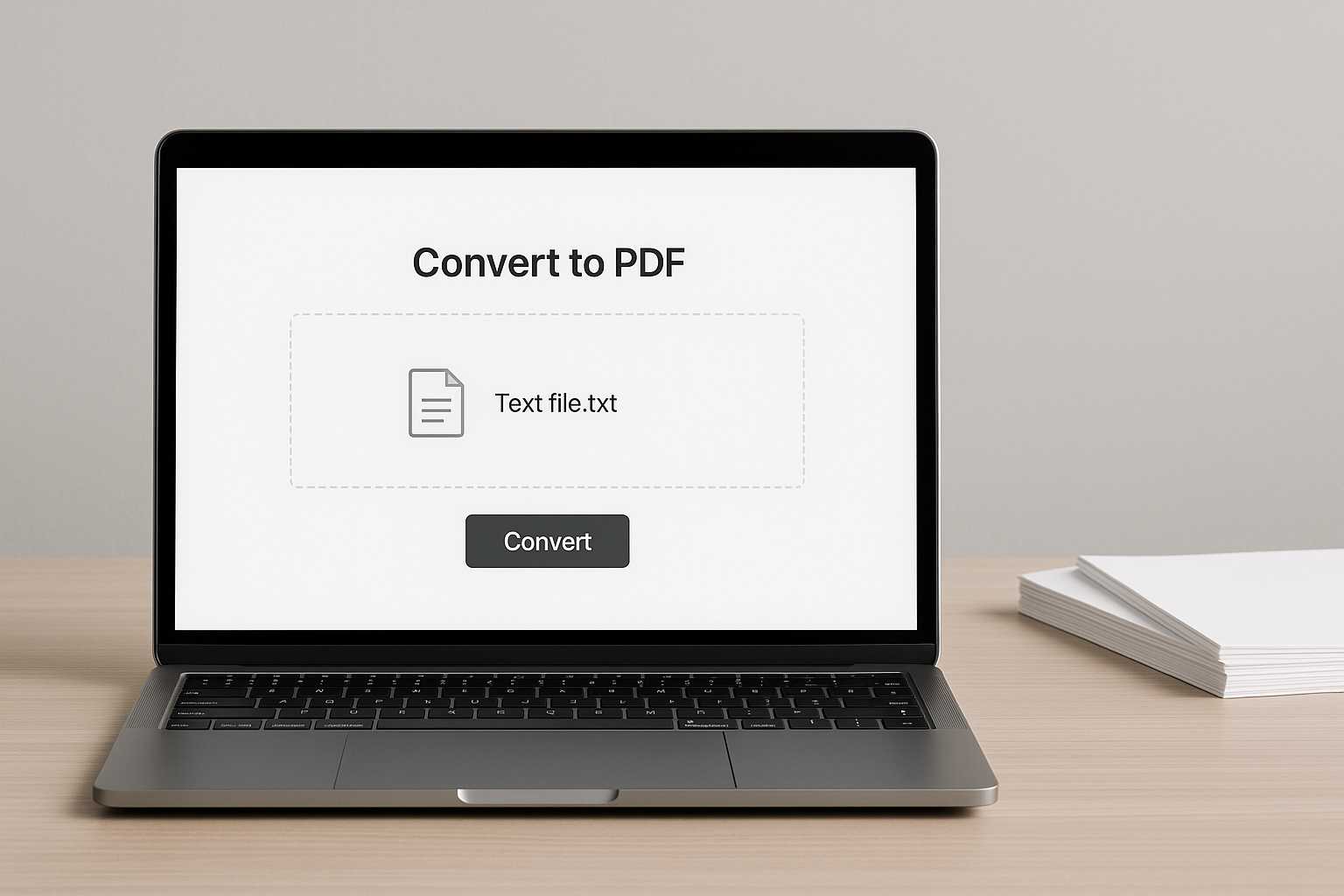
Anyone who has worked inside a fast-moving team knows the feeling: the work itself isn’t the problem. It’s the dozens of tiny decisions around the work—Which tool should I open? Where do I export this? Why is this menu so complicated? That steady drip of micro-choices is what wears people down, not the tasks they were hired to do. This is why minimal conversion tools matter more than most teams realize.
Why cognitive load builds up quietly
Cognitive load rarely shows up as a dramatic moment. It creeps in through interruptions, tool-switching, remembering steps, or navigating interfaces bloated with features you don't need. A designer exporting notes, a developer capturing a quick explanation for someone else, or a manager preparing a short handout shouldn’t have to mentally gear up for an entire workflow just to finish something simple.
Teams often underestimate how much energy is spent on these peripheral tasks. It’s not the conversion itself—it’s the context switching, the hesitation when opening a heavy application, the mild annoyance of digging through options you’ll never touch. Over a week, those moments compound.
The relief of minimal tools
A minimal tool doesn’t promise to replace your full suite. It promises to do one thing smoothly, without interruption. And that is often precisely what a busy team needs when the pressure is high and time is fragmented.
When a tool asks almost nothing of you—no setup, no choices, no tweaking—your attention stays where it belongs. You don’t have to shift gears mentally, and you don’t lose momentum on the task you were already doing. The experience is similar to jotting something down on a sticky note instead of opening a formal notebook. The ease makes the action possible in the moment.
Micro-examples that reveal the impact
Picture a developer writing a quick internal explanation about a bug fix. The note exists as a text file. Now it needs to be shared. The fastest option should simply be: convert and send. If the tool adds friction—loading screens, style templates, format settings—the developer feels the drag immediately.
Or imagine a team lead preparing a one-page summary for a meeting. The ideas are already in a plain text document. A minimal converter lets them turn it into a shareable format in seconds, then move on to the part that actually matters: the discussion.
These tiny wins add up. When a team can consistently avoid unnecessary steps, the brain stops bracing for friction.
Where minimal conversion fits naturally
Minimal tools often shine in the middle of a workflow, not at the beginning or end. Once content already exists—notes, small drafts, bullet points—conversion is just a bridge to the next phase. That’s why a simple link such as https://www.knowadvance.com/text-to-pdf fits so naturally into everyday work. It doesn’t redesign your process; it quietly supports it.
The same pattern appears across related tasks. If a team later needs to merge files, a reference like the guide on joining PDF documents becomes useful without shifting the mental load. And when sharing compressed versions is necessary, the article about reducing file size offers help without demanding a new cognitive context.
The psychology behind “just enough” tools
People often assume productivity is improved by adding features, but busy teams usually benefit from the opposite. A minimal tool removes choices, removes distraction, and removes the temptation to adjust settings that don’t matter.
It’s similar to ordering from a menu with only a few items. You select something without thinking too hard. Your mind stays free for other tasks. That same clarity applies when converting documents: fewer decisions, fewer steps, fewer opportunities to drift into unrelated tasks.
How minimal tools strengthen team rhythms
Teams develop rhythms the way musicians do. Small inefficiencies throw off timing. A workflow that requires constant tool-switching or complicated exporting feels jagged, even if no one talks about it.
Minimal conversion tools smooth the edges. They make small tasks invisible instead of intrusive. This keeps momentum intact, especially during high-pressure work cycles. Even better, they help align team members with different working styles. When a process is simple, people follow it without negotiation.
One team might rely heavily on text-based notes, another might work mostly in diagrams, and someone else might prefer lists. Regardless of style, the moment those notes need to be shared or archived, a minimal tool creates a universal bridge without dictating how anyone should work.
Practical signs a team needs lighter tools
Not every team realizes when cognitive load is building. A few subtle indicators make the picture clearer:
- People postpone tiny tasks because the tools feel heavy.
- Documents meant to be shared stay in raw formats longer than intended.
- Quick exports become mini-projects instead of simple steps.
- Team members send screenshots instead of documents to avoid conversion steps.
None of these frustrations appear dramatic, but together they suggest an unnecessary bottleneck. When a small task consistently creates hesitation, it’s a sign that the tool is getting in the way.
How minimal conversion tools protect focus
The more interruptions a workflow contains, the harder it is to maintain deep attention. Even a minor tool that forces you to think about settings or layouts breaks concentration. Minimal converters act like quiet assistants—they handle the transition so your mind doesn’t have to.
This doesn’t replace larger tools used for complex work. It simply prevents those tools from dominating tasks that don’t require them. With fewer shifts in mental context, teams stay closer to the work that matters.
A calm conclusion
Busy teams don’t need more elaborate software. They need space—mental space, time space, and workflow space. Minimal conversion tools offer that by doing exactly what’s needed and nothing more. When small tasks feel light, the entire rhythm of a team improves, and people regain the focus that heavy tools quietly drain.





