Managing Lightweight Documentation Without Heavy Editors
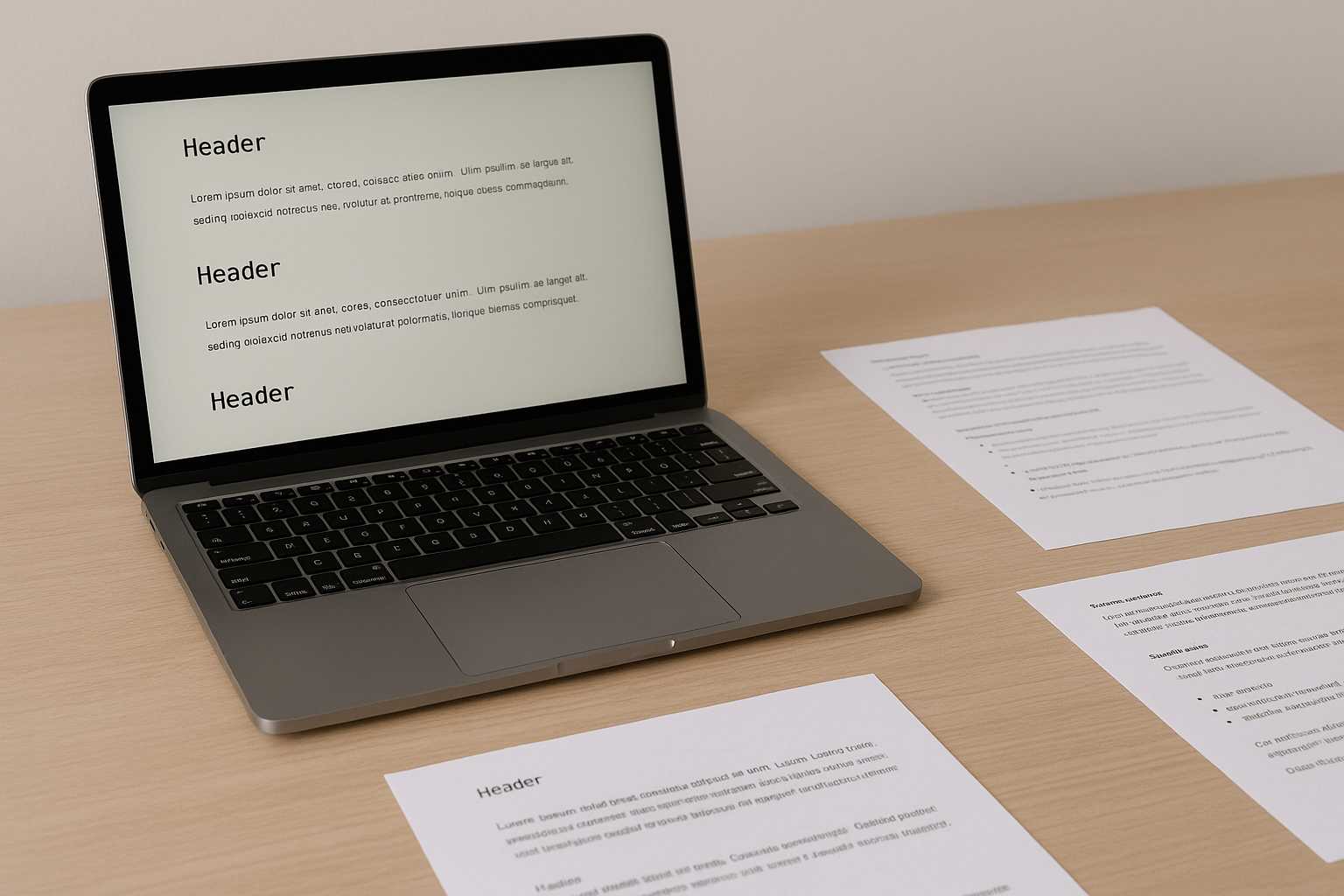
Anyone who works with notes, drafts, or small project documents has probably run into this tension: you want to keep things light and simple, but most document editors feel like they’re built for something far bigger than what you need. Opening a heavyweight tool just to tweak a paragraph or organize a few thoughts often feels like bringing a suitcase to carry a single pen. There’s a quieter, more comfortable way to manage documentation, and it starts by rethinking what “lightweight” can look like in practice.
How lightweight documentation quietly supports real work
Light documentation isn’t the absence of effort. It’s the removal of noise. Many teams and individuals rely on text files, small Markdown notes, or quick snippets because they reduce friction. You sit down, start typing, and ideas unfold without toolbars hovering around your thoughts.
But “lightweight” doesn’t mean sloppy or incomplete. It simply avoids the overhead that slows down writing. Developers jot down architecture ideas in plain text. Writers keep running logs of thoughts for later shaping. Product folks maintain compact notes after each meeting. These small documents often contain more clarity than any polished report because the focus stays on the content itself.
Why heavy editors often get in the way
A full-featured editor is wonderful when you're creating something large. But many documents don’t need templates, styles, nested formatting panels, or cloud-linked collaboration modes. When the goal is simply to capture information or keep a personal system organized, those extras become distractions.
There’s also the issue of mental weight. Opening a heavy editor can feel like preparing for “real work,” even when all you want is to record an idea before it fades. What starts as a quick note sometimes turns into a formatting chore you never asked for. This is where lightweight documentation thrives—it respects the intention behind the note.
Keeping things simple while staying organized
Simplicity doesn’t mean you give up structure. It means you choose the structure that fits. Many people use short sections, clear headings, or occasional separators to keep their text readable. These small cues help you navigate your notes later without forcing you into a complex template.
A lot of writers also rely on light markup. Markdown headers, indented code blocks, or short lists allow text to stay portable while still feeling organized. Even if the final output needs to be more polished, starting with a clean and minimal format gives you flexibility.
When the time comes to share a cleaned-up version, converting a file is often enough. It’s easy to drop a note into a PDF generator—something like https://www.knowadvance.com/text-to-pdf—and move along without introducing a heavyweight editor into the process.
Examples of how teams use lightweight documentation
Different environments have different habits, but the underlying theme is usually the same: clarity without overhead. A small team might maintain a set of TXT-based technical references that evolve over time. These files don’t need locking mechanisms or advanced styling; they just need to be readable and consistent.
Individual contributors often maintain personal logs—daily notes captured in one-liners, short fragments, or brief reflections. These logs aren’t meant for presentation, yet they become surprisingly valuable when you need to trace a decision made months earlier.
Even educators and trainers sometimes prefer lightweight notes. A lesson outline in plain text is easier to adjust on the fly than a fully formatted document. At the end of a course, these notes can be converted into clean handouts using basic formatting.
Balancing minimalism with structure
It’s tempting to think minimal documentation means “no structure at all,” but that’s rarely true. The trick is choosing structure that feels natural rather than imposed. A few simple habits can make a big difference:
- Use short headers to break up related ideas.
- Keep paragraphs focused and easy to skim later.
- Add spacing where your future self would appreciate it.
These habits preserve the feeling of writing freely while preventing your documents from becoming a pile of thought fragments. They also make transitions into more formal formats easier when that moment arrives.
When lightweight needs a little extra support
There are times when you need to merge, compress, or prepare documents for sharing even if you started with plain text. That doesn’t mean changing your writing workflow. It simply means reaching for small, single-purpose tools when the need arises.
For instance, if your lightweight notes grow into multiple PDFs that need to be packaged neatly, a reference like the guide on combining PDF files can help you keep things tidy. And if file size becomes a concern, the article on reducing PDF bloat fits naturally into that same workflow.
These tools support your documentation rather than reshaping it. They live on the edges of your process, stepping in only when needed.
Finding a rhythm that feels effortless
People often underestimate how much writing depends on rhythm. A smooth documentation system isn’t defined by the tool you use—it’s defined by how little friction it creates. Some people start the day with a short note describing what they plan to do. Others close the evening by capturing a few lines of what they learned. Over time, these notes accumulate into a quiet archive of decisions, ideas, and patterns.
Once you realize that lightweight documentation is less about format and more about continuity, the pressure to “upgrade” editors fades away. Heavy tools have their place, but your daily workflow doesn’t need to orbit around them.
A calm conclusion
Lightweight documentation isn’t a rejection of structure—it’s a reminder that writing doesn’t have to be complicated. When your tools stay out of the way, the content becomes clearer, the workflow steadier, and the results more honest. Keeping things simple doesn’t limit you; it frees your attention for the work that actually matters.





