CSS Gradient Generator: Create Beautiful Backgrounds Effortlessly
What Is a CSS Gradient Generator?
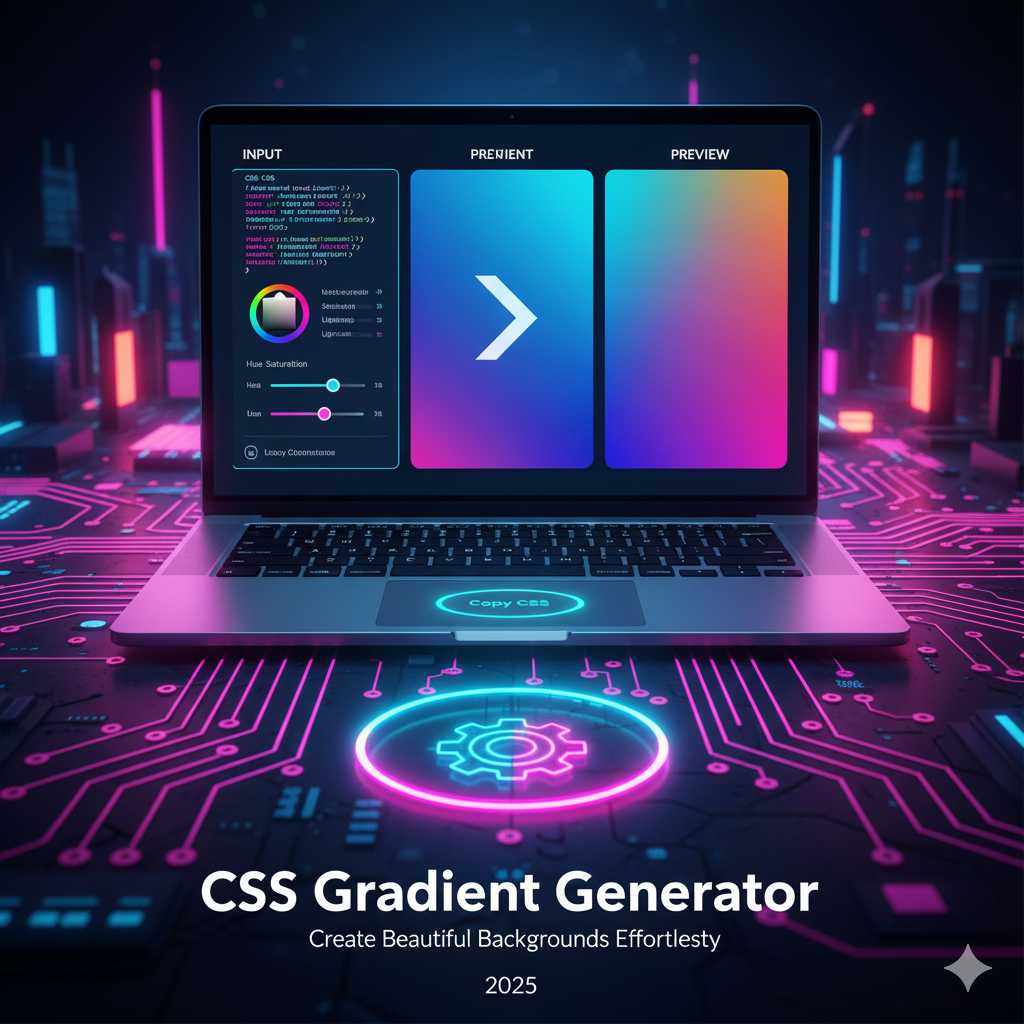
A CSS Gradient Generator is an online design tool that helps developers and designers create smooth color transitions between two or more shades using pure CSS code. Instead of manually writing complex gradient syntax, you can visually select colors, adjust angles, and fine-tune gradient stops — then instantly copy the CSS for use in your website or app.
Gradients have become a core part of modern design. From minimalist backgrounds to dynamic buttons and banners, they add a sense of depth and visual harmony. With a gradient generator, even beginners can produce stunning color effects without coding knowledge.
Types of CSS Gradients You Can Create
Gradients come in several forms, each suited to different creative needs. Here are the most commonly used types that you can generate using the KnowAdvance CSS Gradient Generator:
1. Linear Gradients
Linear gradients create a straight-line transition between colors. You can control the angle (for example, 45°, 90°, 180°) to determine the direction of the gradient. This type is perfect for backgrounds, headers, and banners where subtle transitions enhance readability.
background: linear-gradient(90deg, #ff6a00, #ee0979);
2. Radial Gradients
Radial gradients spread colors from a central point outward, forming circular or elliptical shapes. They’re often used for spotlights, glowing effects, and creative designs that require focus around a center point.
background: radial-gradient(circle, #00c6ff, #0072ff);
3. Conic Gradients
Conic gradients rotate colors around a central point, forming pie-like patterns. They’re great for charts, loaders, and unique UI elements. Conic gradients have gained popularity thanks to modern CSS3 support.
background: conic-gradient(from 0deg, #f7971e, #ffd200, #f7971e);
4. Repeating Gradients
If you want a tiled or striped pattern, you can use repeating-linear-gradient or repeating-radial-gradient. These repeat your gradient pattern across the element for a creative, geometric look.
background: repeating-linear-gradient(45deg, #f3ec78, #af4261 10%);
Why Use a CSS Gradient Generator?
While you can hand-code gradients, a generator simplifies the process and ensures perfect visual results. Here’s why designers and developers love using gradient generators:
- Instant Visual Preview: See your gradient changes in real time as you adjust colors, angles, and stops.
- No Coding Hassles: Avoid memorizing complex CSS syntax — just copy and paste ready-to-use code.
- Time Efficiency: Quickly create multiple variations to test which gradient suits your design best.
- Modern Aesthetic: Gradients are a hallmark of modern UI design, making your site more engaging and vibrant.
- Cross-Browser Compatibility: Modern generators output optimized CSS that works across all browsers.
How to Use the CSS Gradient Generator on KnowAdvance
Our tool is designed to make gradient creation simple, fast, and visually intuitive. Here’s how you can get started:
Step 1: Choose Your Gradient Type
Select whether you want a linear, radial, or conic gradient. You’ll see a real-time preview that updates as you adjust your settings.
Step 2: Pick Your Colors
Click on the color selectors to choose starting and ending colors. You can use the color picker or input HEX, RGB, or HSL values manually. Adding more color stops gives you multi-tone gradients for creative designs.
Step 3: Adjust the Angle or Shape
For linear gradients, control the direction (e.g., 45°, 90°, etc.). For radial gradients, choose between circular or elliptical shapes and adjust their position (center, top-left, etc.).
Step 4: Copy Your CSS Code
Once satisfied, click the “Copy CSS” button. You’ll instantly get clean, ready-to-use gradient code optimized for CSS3.
background: linear-gradient(to right, #ff9966, #ff5e62);
Step 5: Apply It to Your Website
Paste your gradient code into your stylesheet or inline styles. For example:
.button {
  background: linear-gradient(to right, #ff9966, #ff5e62);
  border-radius: 8px;
  color: #fff;
  padding: 10px 20px;
}
Top Gradient Color Combinations for 2025
Trends in color gradients evolve with web aesthetics. Based on current UI trends, here are some gradient color combinations gaining popularity in 2025:
- Sunset Glow: #ff7e5f → #feb47b
- Cyber Blue: #00c6ff → #0072ff
- Pastel Dream: #a1c4fd → #c2e9fb
- Royal Purple: #654ea3 → #eaafc8
- Ocean Wave: #2b5876 → #4e4376
These combinations create strong emotional impact while keeping a modern, professional appeal. Designers use them for hero banners, login pages, and call-to-action buttons to grab attention.
Design Tips for Perfect Gradient Usage
Using gradients effectively requires balance and purpose. Here are some expert tips to make your gradient backgrounds shine:
- Use Subtle Transitions: Avoid harsh contrasts between colors unless you’re creating a neon or cyberpunk design.
- Stick to 2–3 Colors: Overusing multiple shades can make the design look cluttered.
- Consider Accessibility: Ensure enough contrast between gradient text and background for readability.
- Combine with Other Effects: Pair gradients with shadows, glassmorphism, or blur filters for depth.
- Test on Multiple Screens: Check your gradient on light and dark displays to ensure it looks consistent.
Popular Gradient Design Styles
Gradients can express different emotions and styles based on how they’re applied. Here are some popular uses you can explore with our generator:
1. Minimal Gradient Backgrounds
Soft, two-color gradients are perfect for modern landing pages. They’re clean, fast-loading, and give a premium look without distracting from content.
2. Vibrant Button Gradients
Bright and dynamic gradients on call-to-action buttons attract attention and improve conversion rates. Consider pairing warm and cool tones for balance.
3. Image Overlays
Use semi-transparent gradients over background images to enhance text contrast or add a stylish tint.
4. Gradient Borders
With CSS tricks, you can even apply gradients to borders and outlines for creative UI effects like cards and badges.
5. Animated Gradient Backgrounds
One of the most popular web design trends in 2025 is animated gradients. With a few lines of CSS, you can make colors shift slowly to create a moving, dynamic background effect. It gives your website a premium, modern look without using heavy videos or GIFs.
@keyframes gradientShift {
  0% { background-position: 0% 50%; }
  50% { background-position: 100% 50%; }
  100% { background-position: 0% 50%; }
}

.gradient-bg {
  background: linear-gradient(-45deg, #ee7752, #e73c7e, #23a6d5, #23d5ab);
  background-size: 400% 400%;
  animation: gradientShift 15s ease infinite;
}
This kind of background is widely used in landing pages, portfolio websites, and dashboard UIs because it feels alive and interactive. The CSS Gradient Generator by KnowAdvance lets you preview such effects easily and adjust timing, angles, and colors in real-time.
How Gradients Influence User Emotions
Colors affect human emotions — and gradients amplify that effect. Gradients blend multiple tones together, triggering layered emotional responses. For instance:
- Warm gradients (orange, pink, red) evoke passion, creativity, and excitement.
- Cool gradients (blue, teal, purple) communicate calmness, trust, and professionalism.
- Pastel gradients are soothing and trendy for minimalist or lifestyle brands.
- Dark gradients with vibrant highlights are often used in tech or gaming websites for depth and sophistication.
When choosing a gradient palette, always align the colors with your brand tone and target audience. A SaaS landing page, for example, might use soft blues and whites to appear trustworthy, while a music app may go bold with magenta and violet tones for energy.
Gradient Usage in Popular UI Frameworks
Gradients are widely supported across modern UI frameworks and CSS libraries, including:
- Tailwind CSS: Use utilities like
bg-gradient-to-r from-pink-500 to-yellow-500. - Bootstrap: Add custom gradient backgrounds with
background: linear-gradient(...)in your styles. - Material UI: Integrate gradients in button or card components using inline CSS or sx props.
Most frameworks now encourage gradient use because it enhances brand presence and makes interfaces feel modern. You can easily copy gradient CSS from our generator and paste it into your component styles.
CSS Gradient Best Practices
To ensure your gradients look professional and consistent, follow these best practices:
- Keep Gradients Subtle: Avoid overpowering colors. Subtle gradients are easier on the eyes.
- Use Transparent Stops: Mixing transparency adds visual depth and allows layering with images.
- Contrast for Text: Always test text readability on gradient backgrounds. Use shadows or overlays if needed.
- Performance Optimization: CSS gradients load instantly since they’re code-based, but avoid large animated layers if performance is critical.
- Consistency Across Devices: Test gradients on mobile screens where contrast may appear different.
Combining Gradients with Other CSS Effects
Gradients become even more powerful when combined with other CSS techniques. Try blending them with:
- Box Shadows: Add subtle shadows to gradient elements for depth.
- Glassmorphism: Use frosted-glass overlays with transparent gradients.
- Text Shadows: Pair gradients with text shadows for glowing typography.
- CSS Filters: Adjust hue-rotate or brightness for animated color effects.
Example – Glassmorphism Card with Gradient
.card {
  background: linear-gradient(135deg, rgba(255,255,255,0.1), rgba(255,255,255,0.05));
  backdrop-filter: blur(10px);
  border-radius: 20px;
  box-shadow: 0 4px 30px rgba(0, 0, 0, 0.1);
}
This modern “glass effect” combines gradients with transparency and blur filters — a hallmark of today’s web aesthetic.
Why Designers Love Gradient Tools
Designers prefer gradient generators like the one on KnowAdvance because they simplify workflow and enhance creativity. Here’s what makes this tool a favorite:
- Ease of Use: Intuitive sliders and color pickers — no coding required.
- Accurate CSS Output: Automatically generates vendor-prefixed CSS for compatibility.
- Custom Palettes: Save favorite gradients for future use.
- Live Preview: Instantly visualize changes in angle, direction, or color stops.
Real-World Examples of Gradient Design
Gradients aren’t just for backgrounds — they’re everywhere in modern design:
- Buttons: Stripe and Spotify use subtle gradients for call-to-actions.
- Logos: Instagram’s iconic logo relies on a pink-orange gradient blend.
- Hero Sections: Apple often pairs soft gradients with product photography.
- Text: Gradient-filled typography adds a futuristic edge to headlines.
Advanced Gradient Techniques
Want to go beyond basics? Try these advanced methods:
Gradient Masks
Use gradients as masks for images or videos to create fade effects:
.masked {
  mask-image: linear-gradient(to bottom, black 60%, transparent 100%);
}
Multiple Gradient Layers
Combine multiple gradient layers for a richer texture:
background:
  linear-gradient(to right, #ff7e5f, #feb47b),
  radial-gradient(circle at top left, #ffd194, transparent);
Gradient Text
CSS now allows text to inherit gradients using -webkit-background-clip:
.gradient-text {
  background: linear-gradient(to right, #30cfd0, #330867);
  -webkit-background-clip: text;
  -webkit-text-fill-color: transparent;
}
SEO & Branding Benefits of Using Gradients
Believe it or not, gradient design indirectly supports SEO and brand retention. Here’s how:
- Increased Dwell Time: Visually attractive designs keep users on your site longer.
- Brand Recognition: Custom gradient palettes reinforce visual identity.
- Improved Readability: Gradients highlight key content areas effectively.
That’s why many startups and SaaS brands integrate signature gradient schemes into their UI — it makes them instantly recognizable.
Common Gradient Mistakes to Avoid
Even experienced designers can overuse gradients. Avoid these pitfalls:
- Too Many Colors: Stick to 2 or 3 colors maximum for elegance.
- Hard Transitions: Ensure smooth blending between colors.
- Wrong Contrast: Don’t use gradients that make text unreadable.
- Overlapping Effects: Avoid layering multiple gradients unless balanced carefully.
Why the KnowAdvance CSS Gradient Generator Stands Out
The KnowAdvance CSS Gradient Generator isn’t just another color tool. It’s optimized for both designers and developers who value efficiency and aesthetics.
- 🎨 Smart Color Suggestions: Based on color theory and current design trends.
- ⚡ Instant Code Copy: Get vendor-prefixed CSS code instantly.
- 💡 Responsive Design Preview: Check how your gradient looks on different screen sizes.
- 🌈 Free and Browser-Based: No downloads or signups required.
Final Thoughts
Gradients have become more than just color transitions — they define emotion, hierarchy, and branding in web design. Whether you’re building a sleek landing page, an app dashboard, or a personal portfolio, gradients help your interface feel alive.
The CSS Gradient Generator by KnowAdvance empowers you to experiment freely with shades, angles, and styles, all while producing clean, production-ready CSS code. From simple linear blends to complex conic animations, every creative vision is just a few clicks away.
Try It Yourself:
Click here to use the CSS Gradient Generator now and start creating beautiful, modern color transitions that elevate your designs.
Related Reads:





