When Basic Text Needs Structure: Practical PDF Use Cases
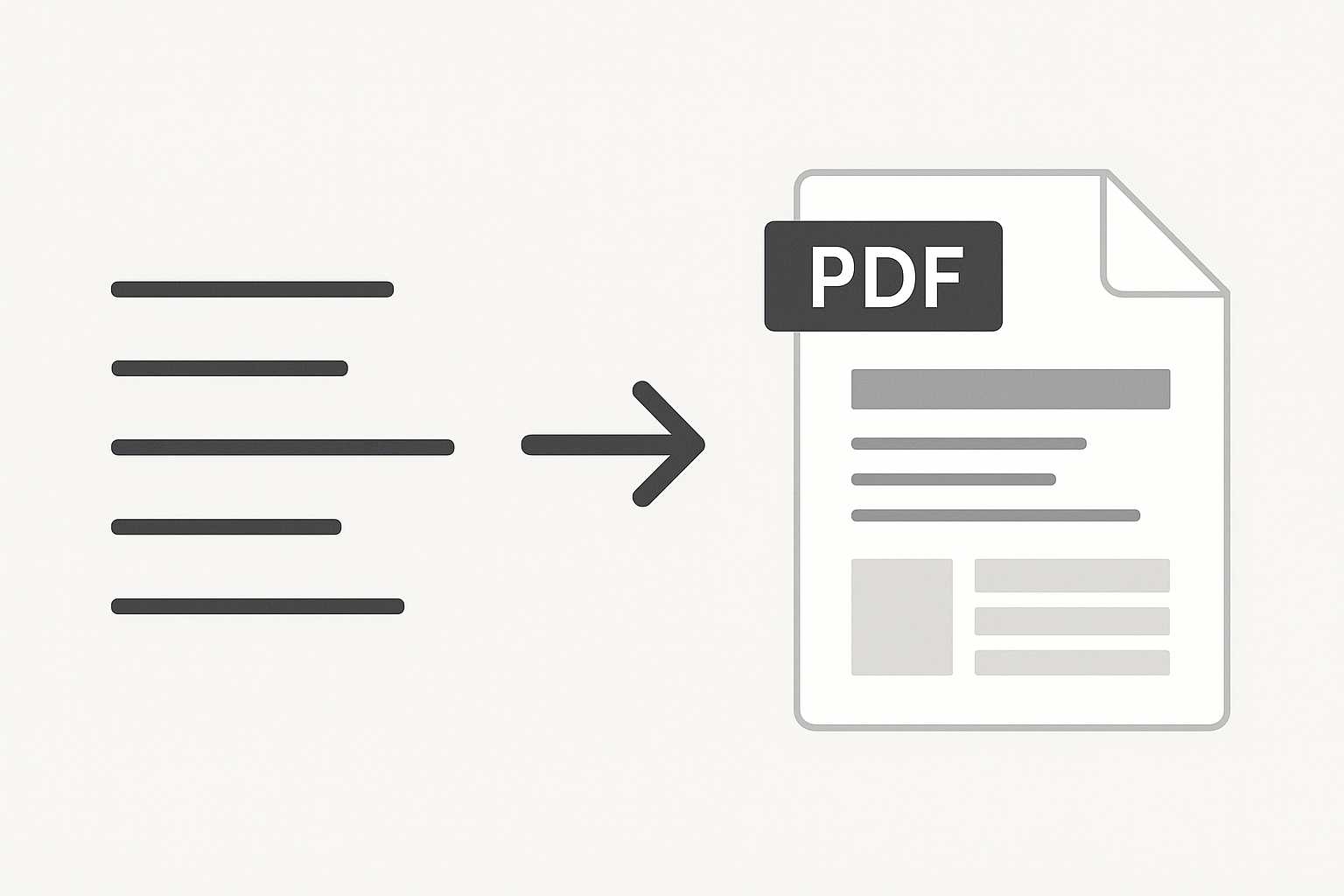
Writers often start with basic text because it’s quick and unburdened. It gets ideas out of your head without making you think about formatting. But the moment those notes need to be shared, archived, or presented with some sense of shape, plain text can feel a bit too bare. That’s usually when a PDF steps in—not to replace simplicity, but to hold it together.
There’s a small shift that happens at this point. You move from writing only for yourself to shaping something another person will read. The needs change, and the text starts asking for a bit of structure. PDFs give that structure without forcing you into heavy design tools or complicated document templates.
Where raw text starts to fall short
Plain text files are great for capturing thoughts, outlining ideas, or jotting down information you just don’t want to forget. But when you try to send that same file to someone else, everything feels a little too loose. Line breaks behave differently depending on the editor. Tabs shift. Lists appear misaligned. And if you’ve used spacing to visually separate sections, there’s no guarantee the reader will see it the same way.
PDFs give those notes a stable form. They protect spacing, preserve the way sections break, and keep the file portable no matter who opens it. That stability is often the first sign that basic text needs structure.
Turning scattered notes into something readable
Most people have had moments when their quick notes start to quietly expand. Maybe you’re collecting ideas for a meeting. Maybe the notes from a phone call stretch into multiple paragraphs. At some point, you realize the document is no longer just for you. It needs clarity.
When you shift that text into a PDF, you’re not redesigning it—you’re simply making it readable in a predictable way. Headings stand out, line spacing settles, and the document takes on a rhythm. I’ve often used a simple converter, like this plain text to PDF tool, when I want to capture the raw nature of my notes but still give them a clean container.
Examples that show when structure becomes necessary
Some writing situations quietly demand more than a .txt file can offer. A few stand out clearly:
1. Project briefs that start as scratch notes
Early project thoughts usually come in fragments—bullet lines, half-sentences, quick reminders. Before sharing them with a team, you want those fragments to feel intentional. A PDF gives the brief shape without forcing you into corporate formatting.
2. Draft outlines for longer writing
Outlines often rely on indentation and spacing to show hierarchy. In a PDF, those subtle visual cues hold steady, even if someone opens the file on a phone or a different computer.
3. Instructions that need consistent spacing
Recipe steps, troubleshooting notes, or procedural guides rely on predictable breaks. A PDF keeps that timing intact.
4. Documentation with code snippets or logs
Plain text is fine for writing the content, but the moment you need to share code blocks or console logs, structure becomes essential. A PDF with embedded monospaced sections ensures the alignment stays exactly as intended.
When text becomes a reference document
There are also cases where a basic text file carries information someone will revisit regularly. Schedules, checklists, policies, or recurring instructions often start simple but need a more formal shape as they mature.
A PDF holds that reference material steady. It prevents accidental edits, keeps the look consistent, and removes friction for the person returning to it. The writer gets to keep things simple; the reader gets reliability.
The role of subtle formatting
One reason people hesitate to move from plain text to more structured formats is the fear of over-formatting. They don’t want styling to overshadow content. PDFs offer a comfortable middle ground—structured, but not decorated. Even light formatting can deliver a significant improvement:
- Adding clear section spacing
- Using small, steady headings
- Preserving indentation that indicates importance or flow
These tweaks don’t change the character of the text; they simply help the reader navigate without guessing.
When plain text needs to look intentional
There’s a difference between text that is informal and text that looks unfinished. PDFs help bridge that gap. Even without elaborate styling, the consistent margins and controlled line breaks give a sense of intention. This matters when you send something to a client, professor, colleague, or anyone outside your immediate circle.
Think of a travel checklist that begins as a messy block of reminders but eventually becomes something you want to share with your group. Or guidance notes for someone replacing you during a shift. In both situations, the content stays casual, but the format gains clarity.
Internal references that strengthen workflow
Document structure often intersects with other organizational needs. Writers who refine their text before exporting sometimes reach for simple helpers. A good example is cleaning stray line breaks, which tools like the line break remover can handle gracefully. And once a document becomes part of a larger packet, it might join others through something as straightforward as a PDF merging tool to keep related sections together.
These aren’t mandatory steps, but they show how small improvements build a smoother workflow around plain text becoming structured content.
When long-form ideas settle into their final shape
Longer writing—essays, reports, research summaries—often evolves through multiple stages. Early drafts might live entirely in plain text because the writer wants to stay close to the words. But when the document reaches a point of stability, a PDF gives it a sense of completion. Even if the writing remains unstyled, the format signals that the piece is ready to be read rather than edited.
That shift from draft to “finished enough” can feel surprisingly grounding. It’s not the formatting that makes the work feel complete; it’s the structure that supports it.
A calm way to think about structure
Basic text doesn’t lose its simplicity when it becomes a PDF. The writing stays honest and direct. The only difference is that it gains a frame—something to keep it intact as it travels. When text grows beyond a personal note and begins to serve a purpose, a little structure is often all it needs.
A PDF provides that structure without asking you to change your writing habits. It just gives the text a steady home.





