Practical Ways to Organize Personal Tasks Using QR Labels
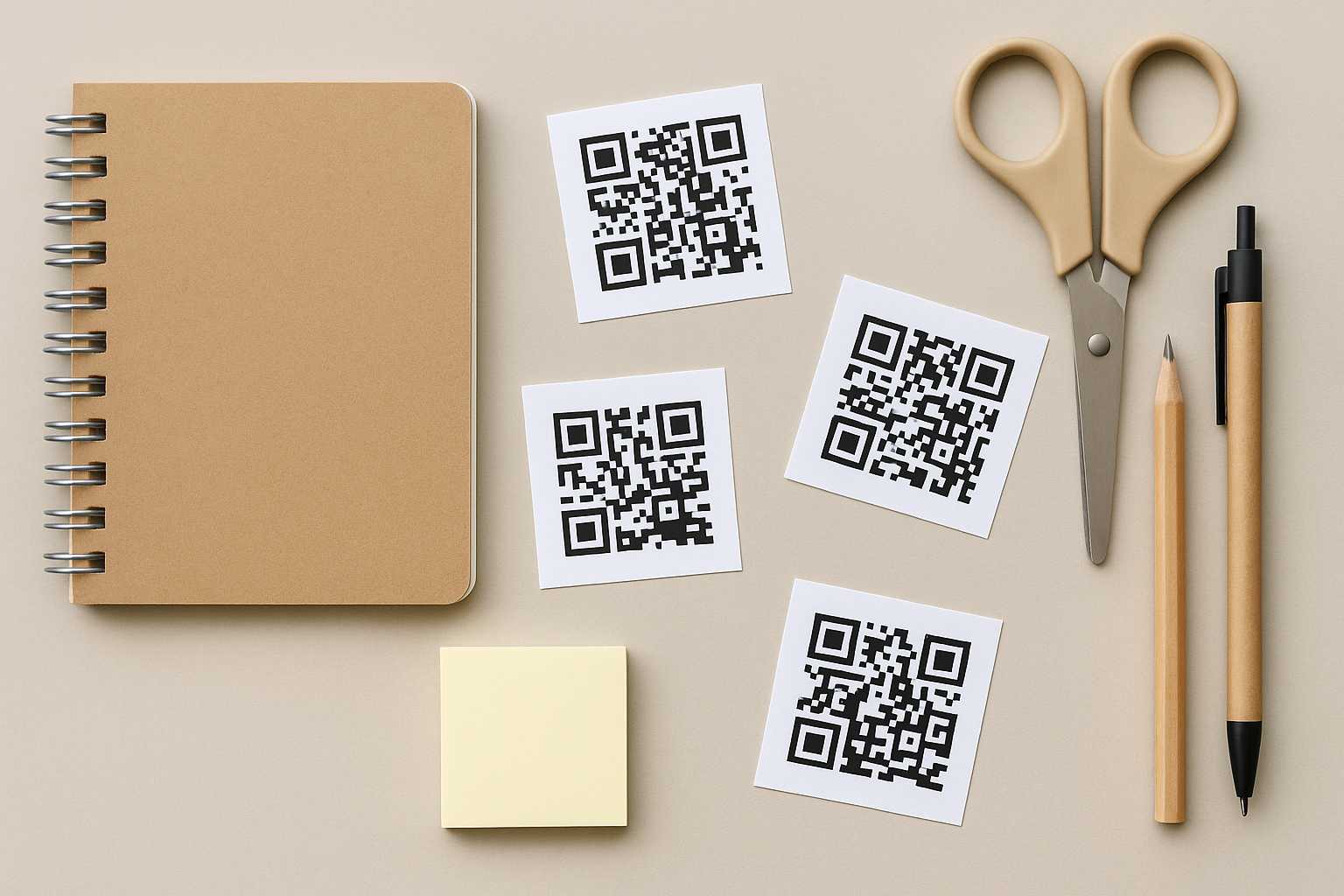
If you’ve ever felt that your to-do list keeps scattering across notebooks, apps, and sticky notes, you’re not alone. Many people try to stay organized but still end up juggling bits of information stored in too many places. QR labels offer a surprisingly simple bridge between physical tasks and digital clarity, and they’re far easier to set up than most people expect.
Why QR labels feel different from regular task lists
Most task systems rely on you remembering where you captured something. A QR label works almost like a doorway: you stick it somewhere relevant, scan it when needed, and instantly jump to the notes, checklist, or reference you created earlier. Instead of digging through apps or searching for a specific list, the information sits right where the task happens.
For instance, add a QR label to the inside of your pantry door and connect it to a simple inventory list. When you scan it before cooking, you know exactly what needs restocking. The habit becomes effortless because the reference is always in the same physical spot.
Simple ways to use QR labels at home
You don’t need a complicated system to start. One of the easiest approaches is assigning QR labels to recurring household routines. Think of weekly cleaning tasks, pet care reminders, or maintenance notes for appliances. Linking each QR code to a small checklist allows you to reset your routine without rewriting anything.
Another practical idea is labeling storage boxes. Many people rely on hand-written notes that eventually fade or fall off. A QR label lets you store a detailed list of contents, photos, or instructions. When seasons change and you pull out that box of winter accessories, a quick scan gives you a clear overview. If you often reorganize your space, updating the digital list is far easier than replacing labels.
Supporting personal habits with subtle structure
QR labels can also guide habits that require gentle, consistent prompts. For example, if you keep a morning or evening routine, a QR tag placed on a bathroom shelf can take you to a short guide you’ve written for yourself. It may include skincare steps, supplements, journaling prompts, or anything that helps you ease into or unwind from the day.
The same approach works well for hobby-related reminders. A musician can place a QR label on a guitar case linked to practice notes. A gardener can label pots with QR codes pointing to watering schedules or plant care tips. Because the cue is both visual and scannable, it reduces the friction of remembering what to do.
Using QR labels for personal task workflows
Some tasks move through stages, and QR labels can support that flow without needing a complicated app. Imagine you have a set of work-related reference materials, packed neatly into envelopes or folders. A QR label on each item can point to digital notes or links tied to that subject. When you pick up a folder, everything you need is one scan away.
While setting up your labels, you might find it convenient to generate them through a simple online tool like this QR code creator, especially if you prefer crisp labels that print well.
Blending QR labels with other personal organization tools
Some people already use digital dashboards or note-taking apps to track projects. QR labels can complement these setups by anchoring digital tasks to physical spaces. For instance, if you maintain a project outline in Notion or Google Keep, a QR label on a related binder or storage drawer gives you instant access without needing to search through folders on your phone.
Internal linking can help keep your system cohesive. If you’re experimenting with different organization methods, you might enjoy reading about ways to structure tasks visually on a simple board or exploring a lightweight tool you may have seen in another article about organizing tasks visually. Even a helpful guide like one discussing digital labeling approaches can offer ideas that blend naturally with your QR setup.
Examples that show how adaptable QR labels can be
Consider a family trying to keep track of shared responsibilities. Placing QR labels in key areas—such as near laundry supplies, on a fridge door, or on a tool shelf—helps everyone access the same reference list. Since the content behind each label can be edited anytime, the system grows with changing routines.
Students can benefit as well. A QR label inside a study notebook can link to formula sheets or research notes. Another on a backpack could connect to a packing checklist that prevents forgotten items on busy mornings.
Even creative projects fit nicely into this format. A painter might attach QR codes to canvases showing inspiration references, color palettes, or progress notes. A writer could keep a QR label on a notebook that leads to character outlines or draft ideas stored digitally.
Keeping the system flexible and low-maintenance
QR-based organization shouldn’t feel rigid. In fact, the best systems stay simple enough that you can adjust them without effort. Start with a few labels, see what works, and expand only when natural gaps appear. If a label stops serving a purpose, just update the link or repurpose the sticker.
Over time, you’ll develop an instinct for where a QR label helps and where it doesn’t. Some areas of your life may not need them at all, while others can benefit from a well-placed code that saves you from mental clutter.
A gentle conclusion
Organizing personal tasks with QR labels isn’t about building a high-tech system. It’s about reducing friction and placing guidance exactly where you need it. When your notes, lists, and reminders sit a scan away, daily routines begin to feel lighter and more intentional. Small adjustments—even a single QR label—can quietly reshape how smoothly your days unfold.



